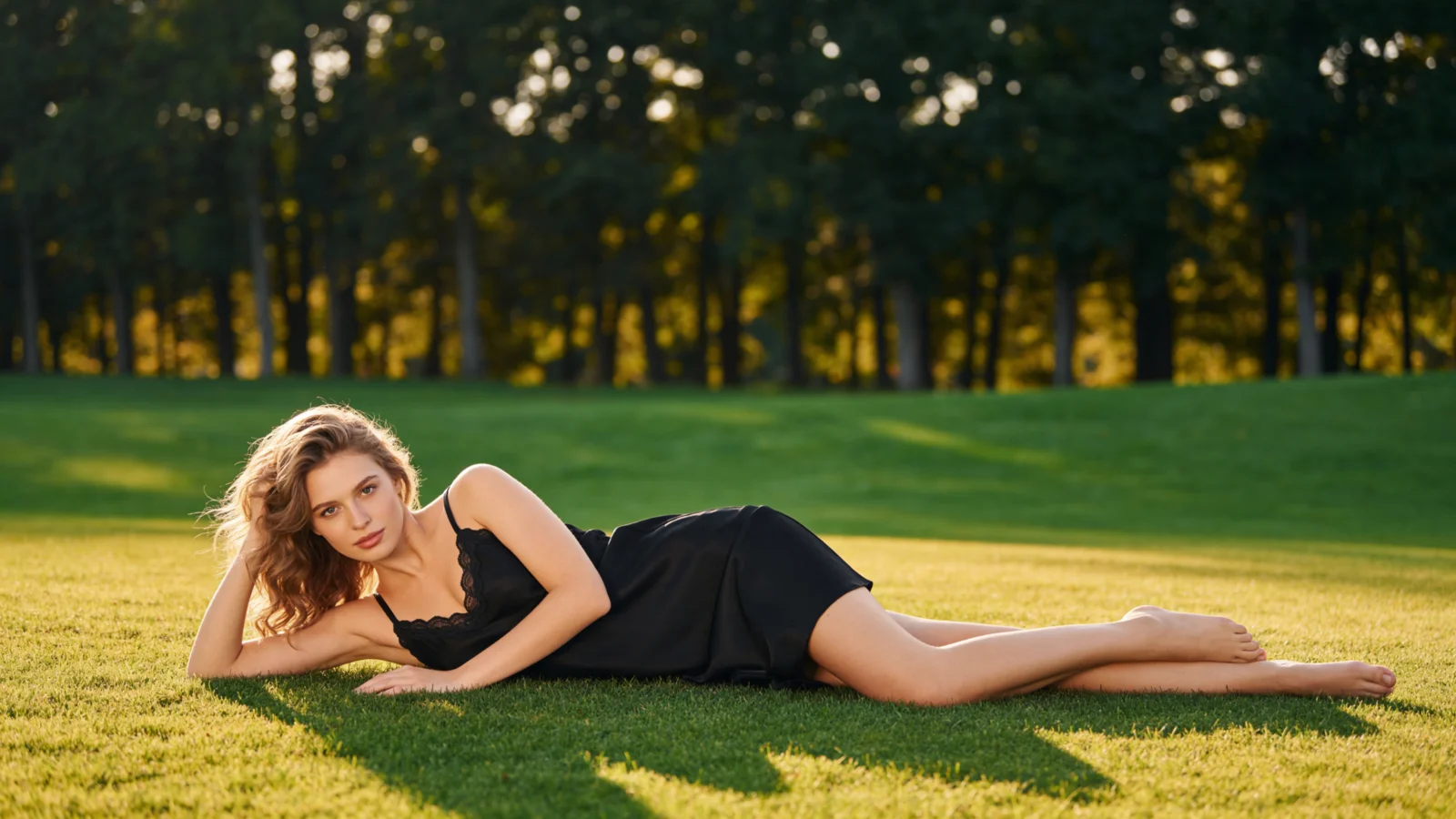
AI Clothes Swap
AIFashModel swaps clothes in photos you already have: upload the shot plus photos of your product, and AI replaces the outfit — same model, same pose, same scene, garment reproduced faithfully.
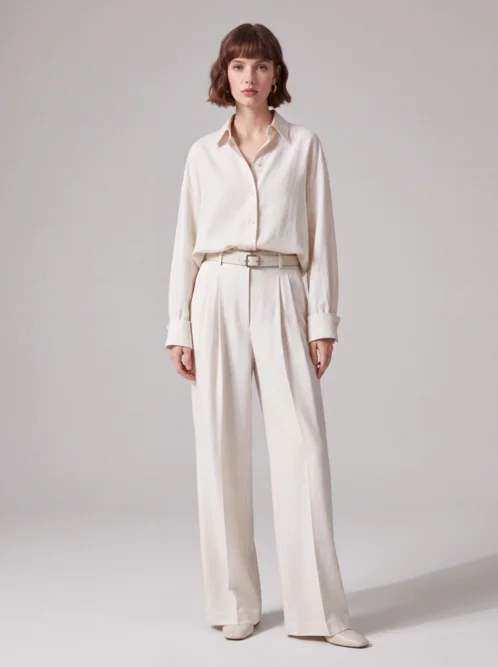
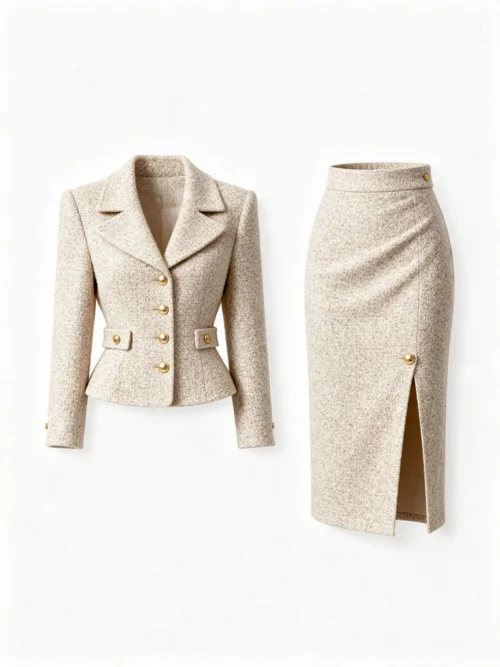 Before
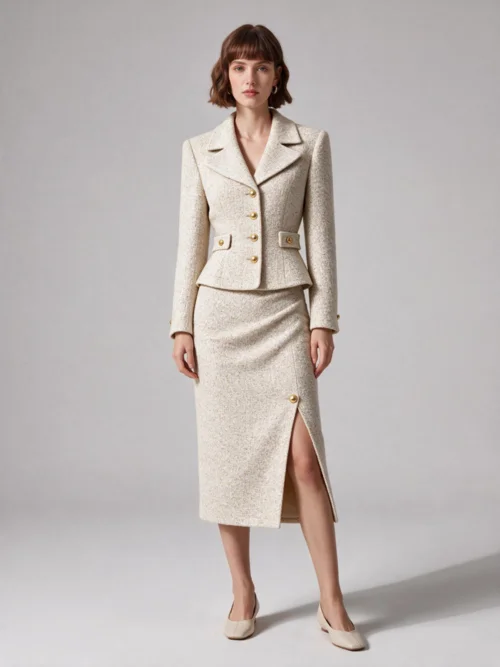 After
AfterLeft: the photo to change and the garment to swap in; right: the same photo before and after the swap.
Real AI Clothes Swap Examples
Each example shows the full swap: the photo and the garment go in on the left, and the same photo comes back with the outfit changed — model and scene exactly as they were.
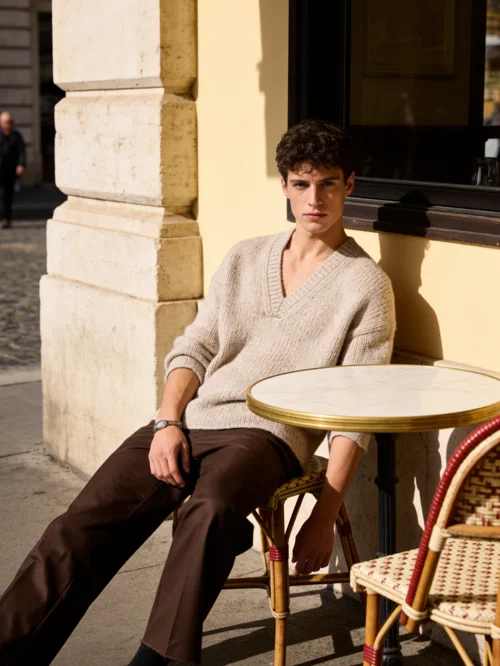
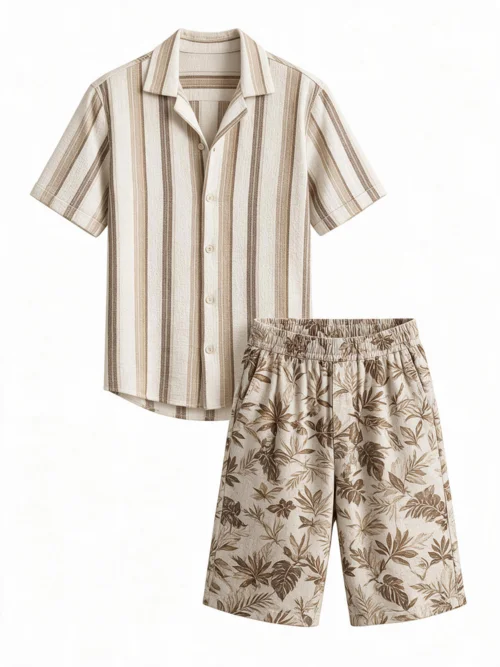 Before
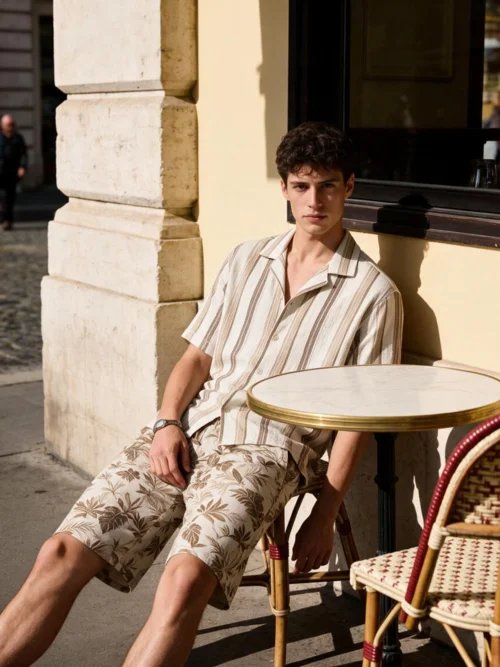 After
After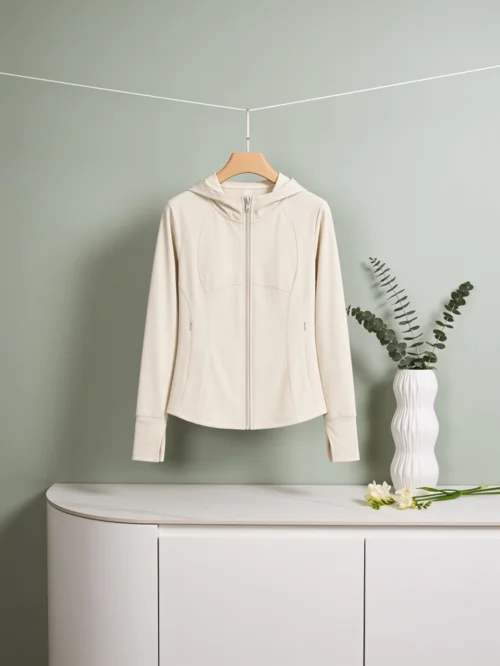
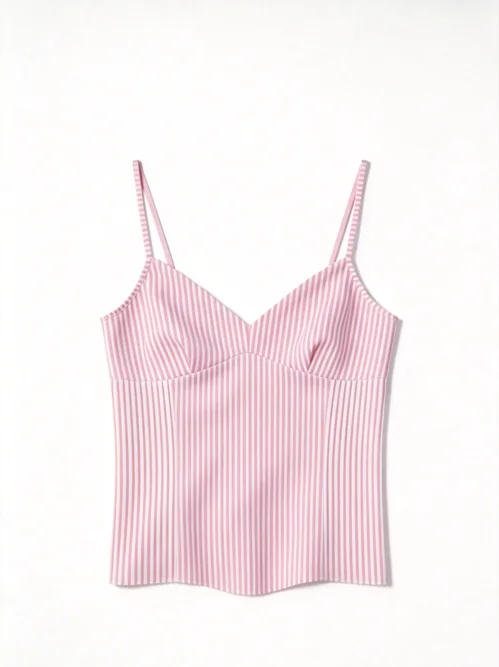 Before
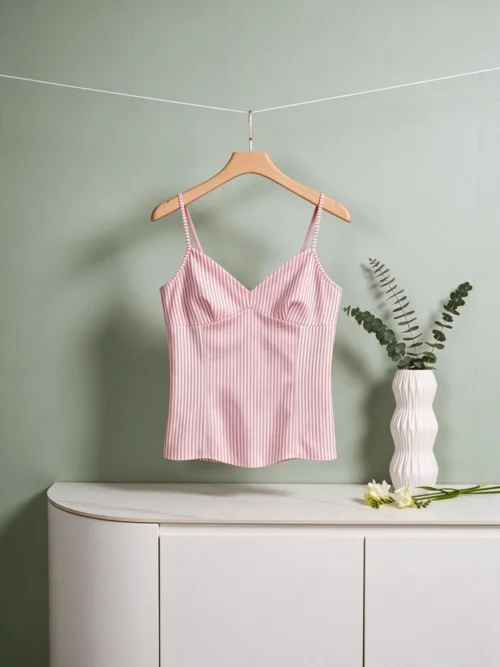 After
AfterWhat is an AI clothes swap?
An AI clothes swap replaces the outfit in an existing photo instead of creating a new one. You upload two things: the photo to change — a model shot, a flat lay, last season's campaign outtakes — and photos of the garment that should be worn. AIFashModel generates the same image with the new clothes on, ready for your listings.
The manual alternative is a reshoot or heavy Photoshop compositing, and neither reproduces a new product faithfully. AI clothes swap locks everything except the garment: the model, the pose, the lighting, and the scene stay exactly as they were, while your product's design, pattern, color, and fabric carry over unchanged.
It completes the workflow around your product photos: start from a single garment photo for on-model and ghost mannequin shots, then use clothes swap to restyle or update any photo you already have — every image your product page needs, all from the same AI fashion model generator.
Swap Clothes in a Photo in 3 Steps
Upload the photo
Start from any photo that shows the garment — model shots, still lifes, and campaign outtakes all work. A clear view of the outfit gives the cleanest swap.
Add the new garment
Hit the button above to jump straight to the swap tool in the workspace — upload photos of the garment that should replace the old one (up to 5).
Generate & download
Get the same photo with the new garment in minutes — model, pose, and scene untouched, product details intact.
AI Clothes Swap FAQ
What is an AI clothes swap?
It's AI that replaces the outfit in an existing photo: you upload the photo plus pictures of the new garment, and the tool generates the same image with your product worn. Brands use it to update old shots, preview restyles, and build listings without reshooting.
Will the rest of my photo stay the same?
Yes. By default the swap keeps the original model, pose, composition, lighting, and scene exactly as they were — only the garment changes. If you also want small tweaks to the setting, a second mode lets you describe them.
How closely does it follow my product photos?
Closely. The new garment is reproduced with its design, pattern, color, and material kept intact — that's the point of the swap. If you'd rather allow some styling freedom, switch modes and describe what may change.
What kind of photos work best?
Any photo where the garment is clearly visible — model shots, flat lays, and still lifes all work. Even lighting and an unobstructed view of the outfit give the best results; no special prep needed.
Is AIFashModel's clothes swap free to try?
Yes. New AIFashModel accounts get free credits to try every feature — pay only when you generate at scale.
Can I use the generated images commercially?
Yes. You retain usage rights to the images you generate and can use them for your own brand's listings and marketing.
Explore More
AIFashModel covers every apparel image you need beyond clothes swap: on-model photos and ghost mannequin shots from a single garment photo, fabric close-ups, image variations, and style-reference generation — all in one workspace.
Want to see how AIFashModel fits your brand?
Sign up to get free credits and try every feature. No card required — top up only when you're happy.