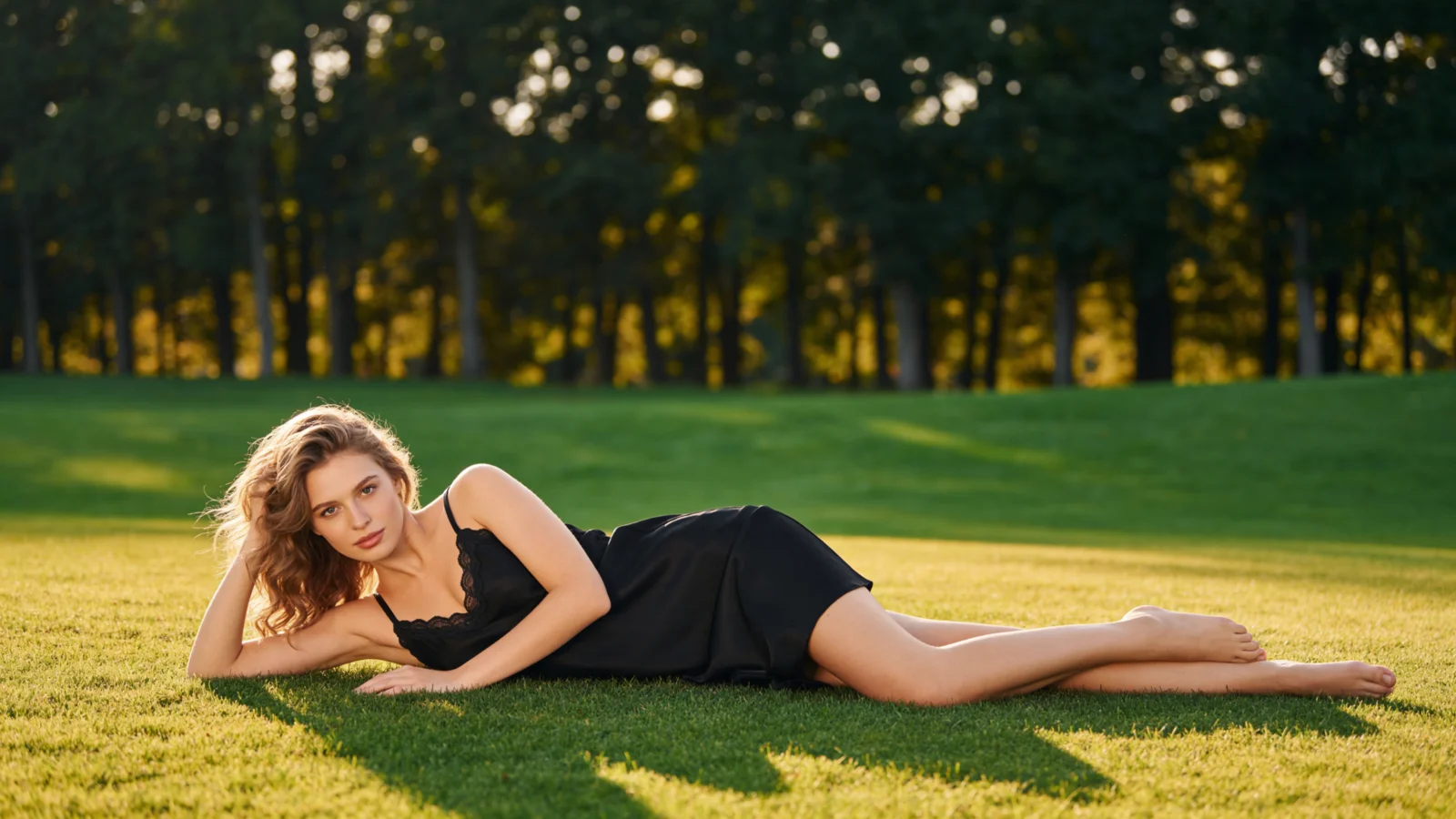
Flat Lay to Model
AIFashModel turns a flat lay into model photos: upload one garment photo shot from above, and AI models wear it — fit and drape rendered naturally, with no photoshoot, no studio, and no sample rack to ship.
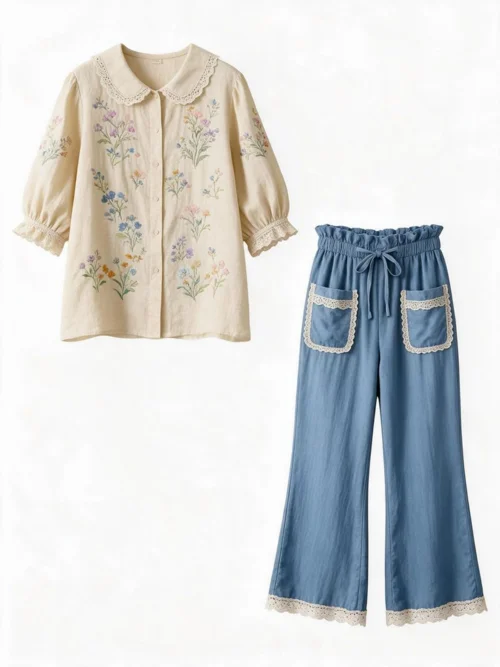
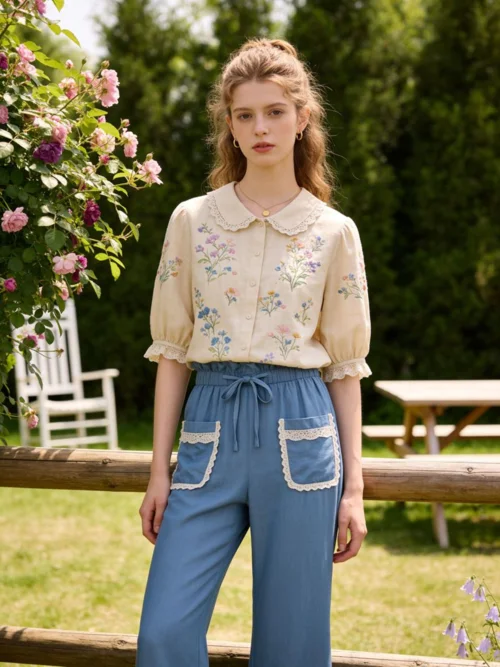

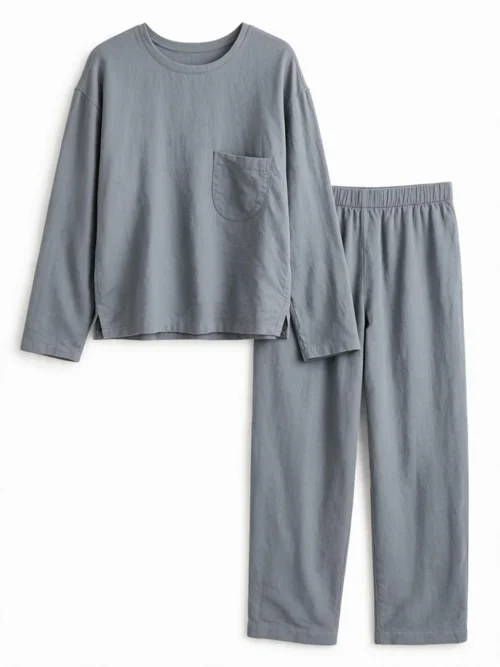
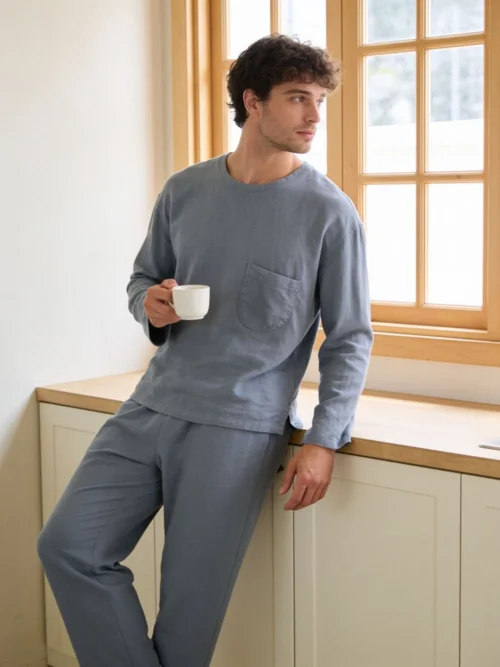
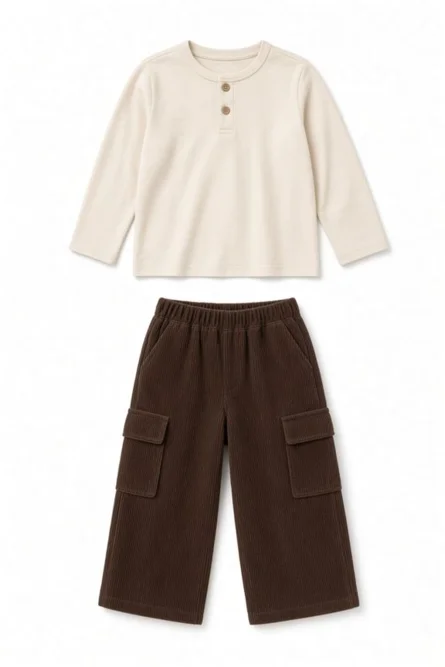
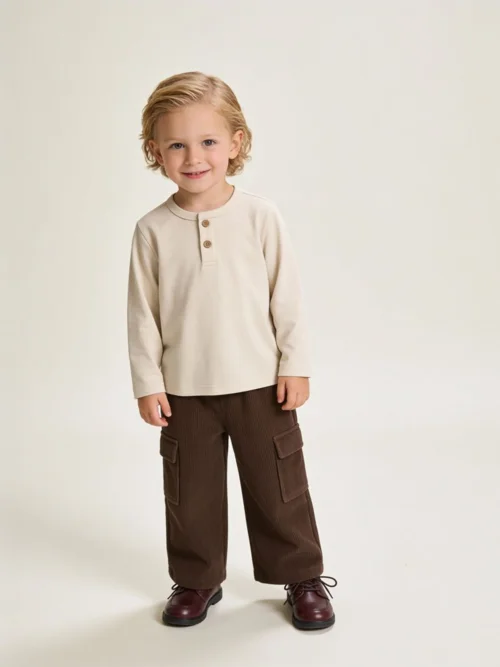
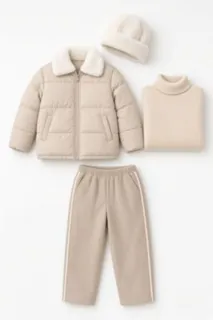
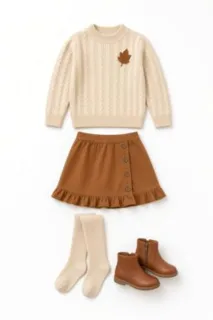
The small frame is the flat lay our users uploaded; the large one is an AI model wearing it.
Real Flat Lay to Model Examples
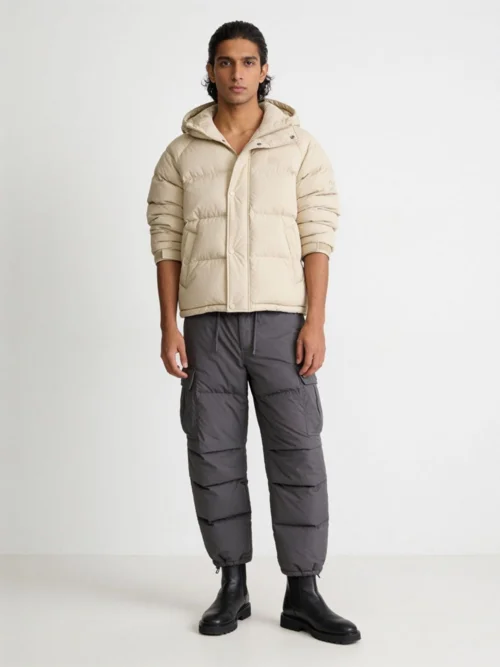
Every photo below started as a flat lay and was generated by AIFashModel — browse them for poses, settings, and model looks, then recreate the look with your own garments.
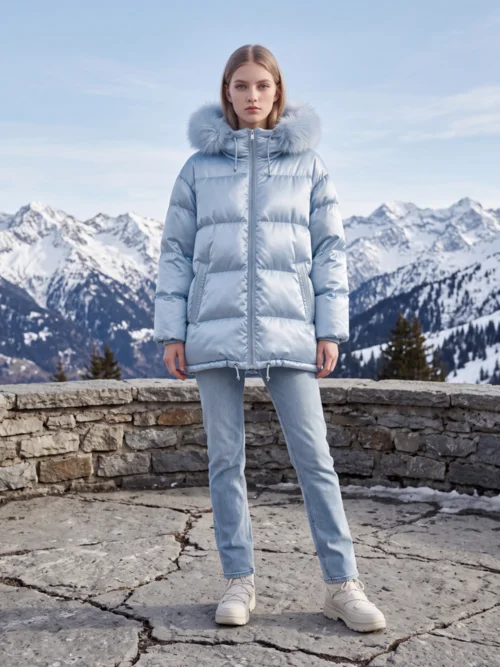
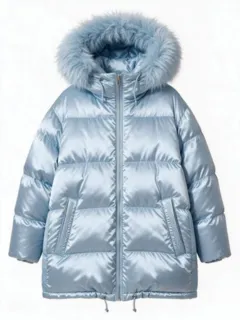 Flat lay input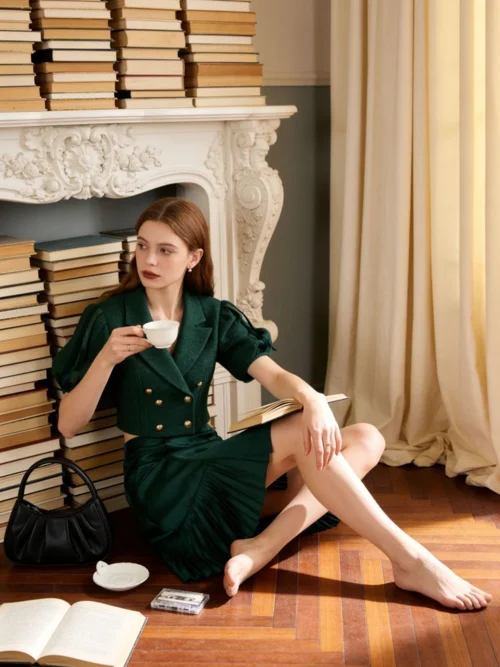
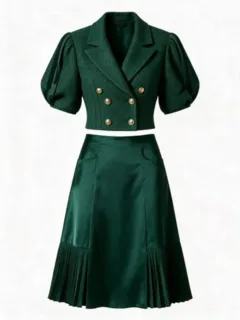 Flat lay input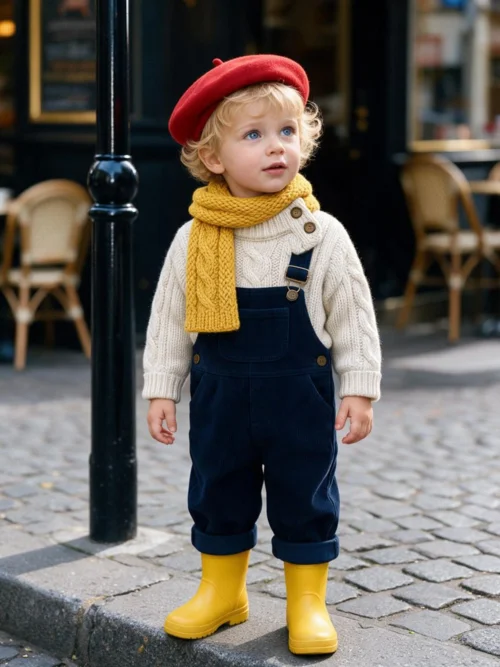
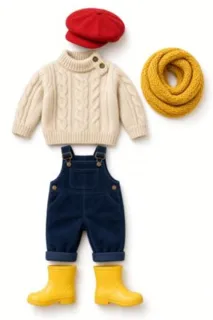 Flat lay input
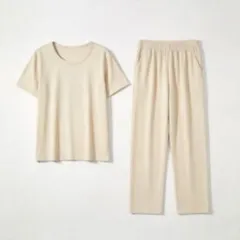 Flat lay input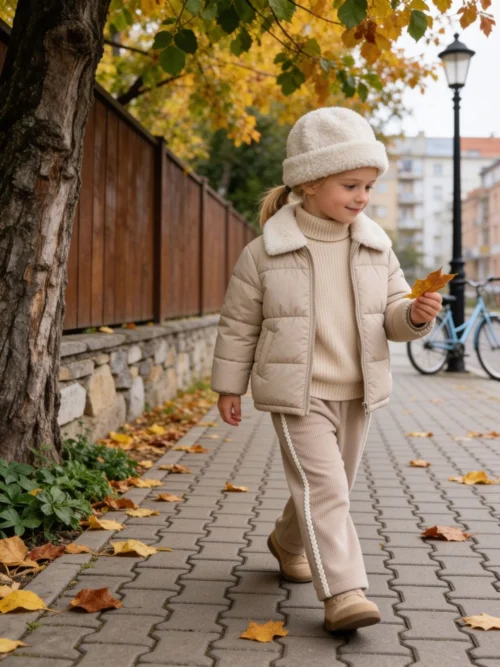
 Flat lay input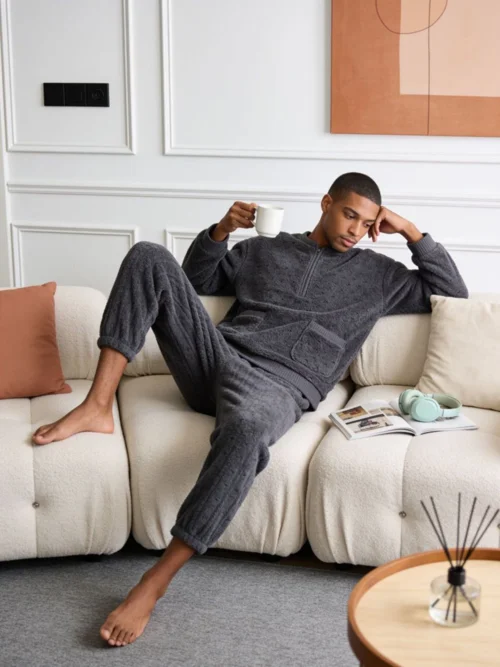
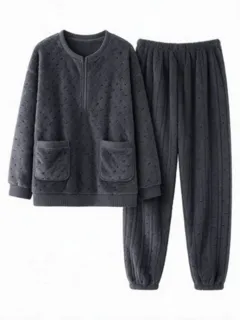 Flat lay input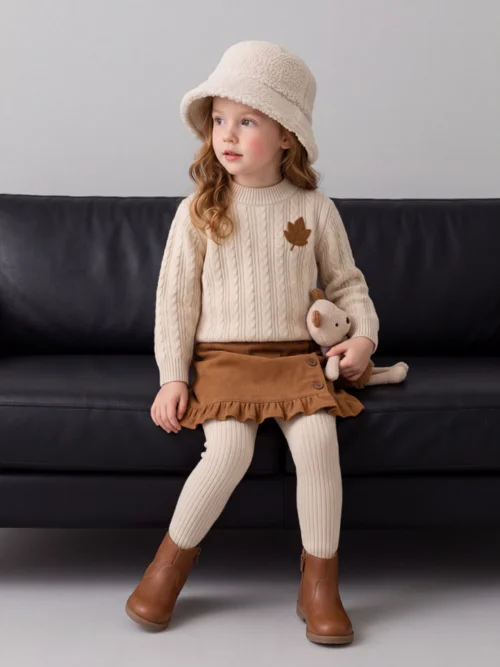
 Flat lay input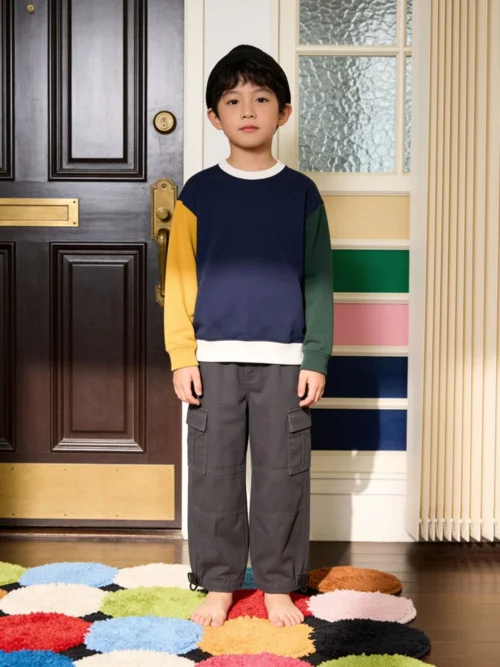
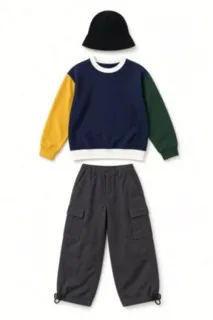 Flat lay input
What does flat lay to model mean?
A flat lay is a garment photographed lying flat on a surface, shot straight from above — cheap to produce, but it hides how a piece actually worn. Flat lay to model is the conversion sellers use to close that gap: the flat lay photo goes in, on-model photos come out, and the garment keeps its exact cut, color, and pattern. You'll also see it written flatlay to model — same job, one word fewer.
The old way to get on-model images was a full photoshoot: book a model and a studio, ship sample garments, then wait days for retouching. AI skips every step — upload the flat lay you already shot, pick a model and a template, and get on-model photos in minutes. Because shoppers can finally judge fit and drape, on-model shots build buyer confidence in a way a flat lay never can.
Your product page needs more than one image type: keep flat lays for fabric texture, add ghost mannequin shots for listing basics, and let on-model photos carry the campaign — every one of them from the same AI fashion model generator.
Turn a Flat Lay into Model Photos in 3 Steps
Upload your flat lay
Any garment photo shot from above works — a complete piece, laid flat, on a clean background gives the best results.
Pick a Model Shots template
Hit the button above to jump straight to the Model Shots templates in the workspace — each one sets the pose, scene, and model look your garment will be worn in.
Generate & download
Get on-model photos in minutes; the same flat lay also produces ghost mannequin shots and fabric close-ups.
Flat Lay to Model FAQ
How do I turn a flat lay into an on-model photo?
Upload the flat lay to AIFashModel, pick an AI model or template, and generate — the AI reads your garment from the flat photo and returns realistic photos of a model wearing it, usually within minutes.
Will the garment keep its real fit and drape?
Yes — that's the core of the conversion. The AI reproduces your garment's cut, color, and pattern on the model, so the fit reads true and the fabric drapes naturally instead of looking pasted on.
Why use on-model photos instead of flat lays?
A flat lay can't show how a garment sits on a body. On-model photos communicate fit and drape, which builds buyer confidence — that's why most apparel brands use them as primary listing images and keep flat lays for texture details.
Do I need samples, a model, or a studio?
None of them. One flat lay photo is all the input required — no photoshoot, no studio, no sample rack. Models and scenes come from the platform's template library.
What kind of flat lay works best?
A complete garment laid flat with sleeves and hems visible, shot in even light on a clean background. Wrinkled or partly folded pieces leave the AI guessing at the cut.
Is it free to try?
Yes. New AIFashModel accounts get free credits to try every feature — pay only when you generate at scale.
Explore More
AIFashModel covers every apparel image you need beyond flat lay to model conversion: ghost mannequin product shots, virtual try-on looks, fabric close-ups and style-reference generation — all in one workspace.
Want to see how AIFashModel fits your brand?
Sign up to get free credits and try every feature. No card required — top up only when you're happy.