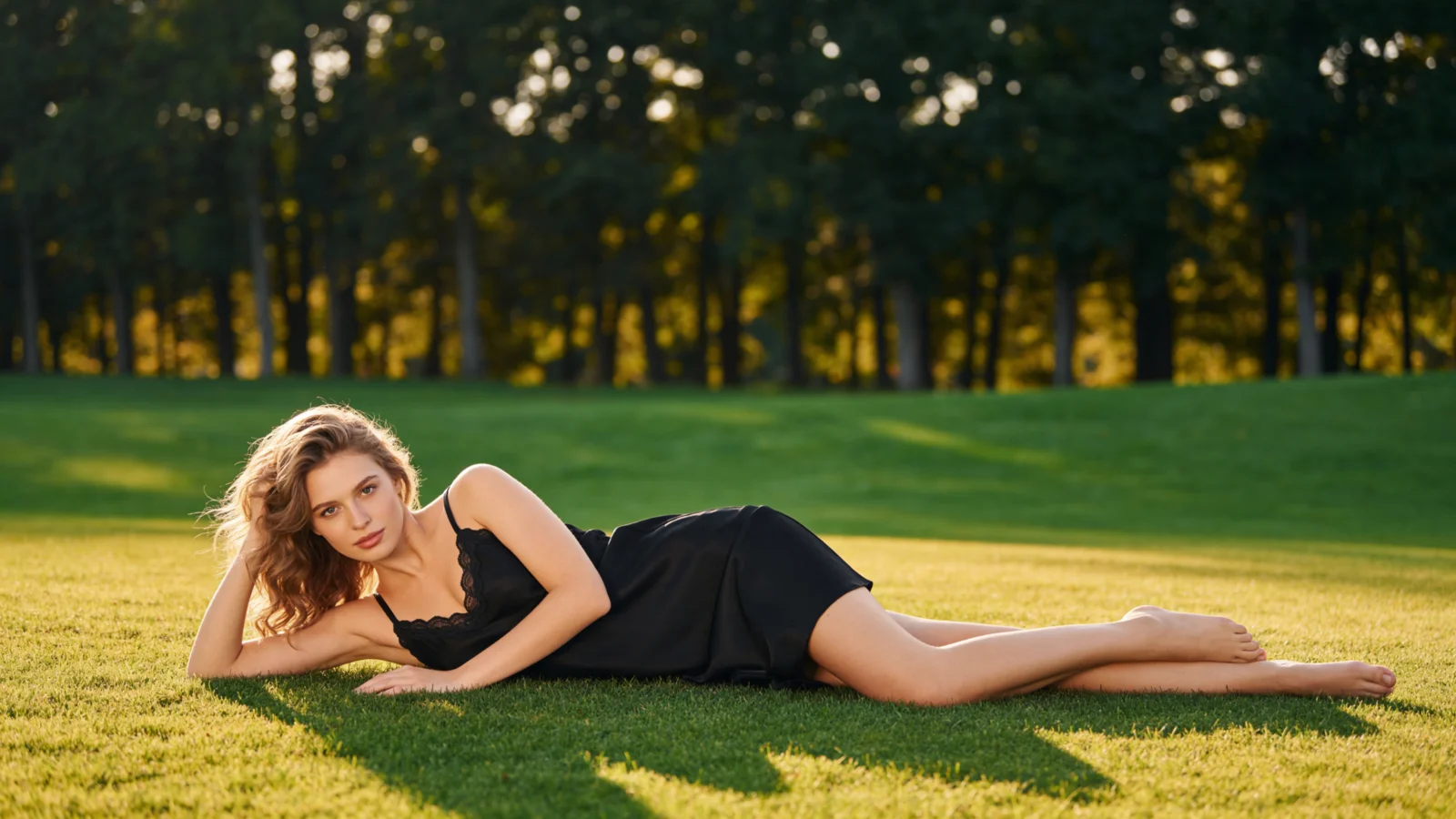
AI Fashion Model Generator
AIFashModel is an AI fashion model generator that turns flat-lay clothing photos into realistic on-model photography — no models, no studio, no photoshoot.
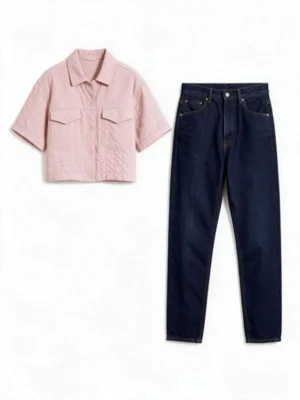
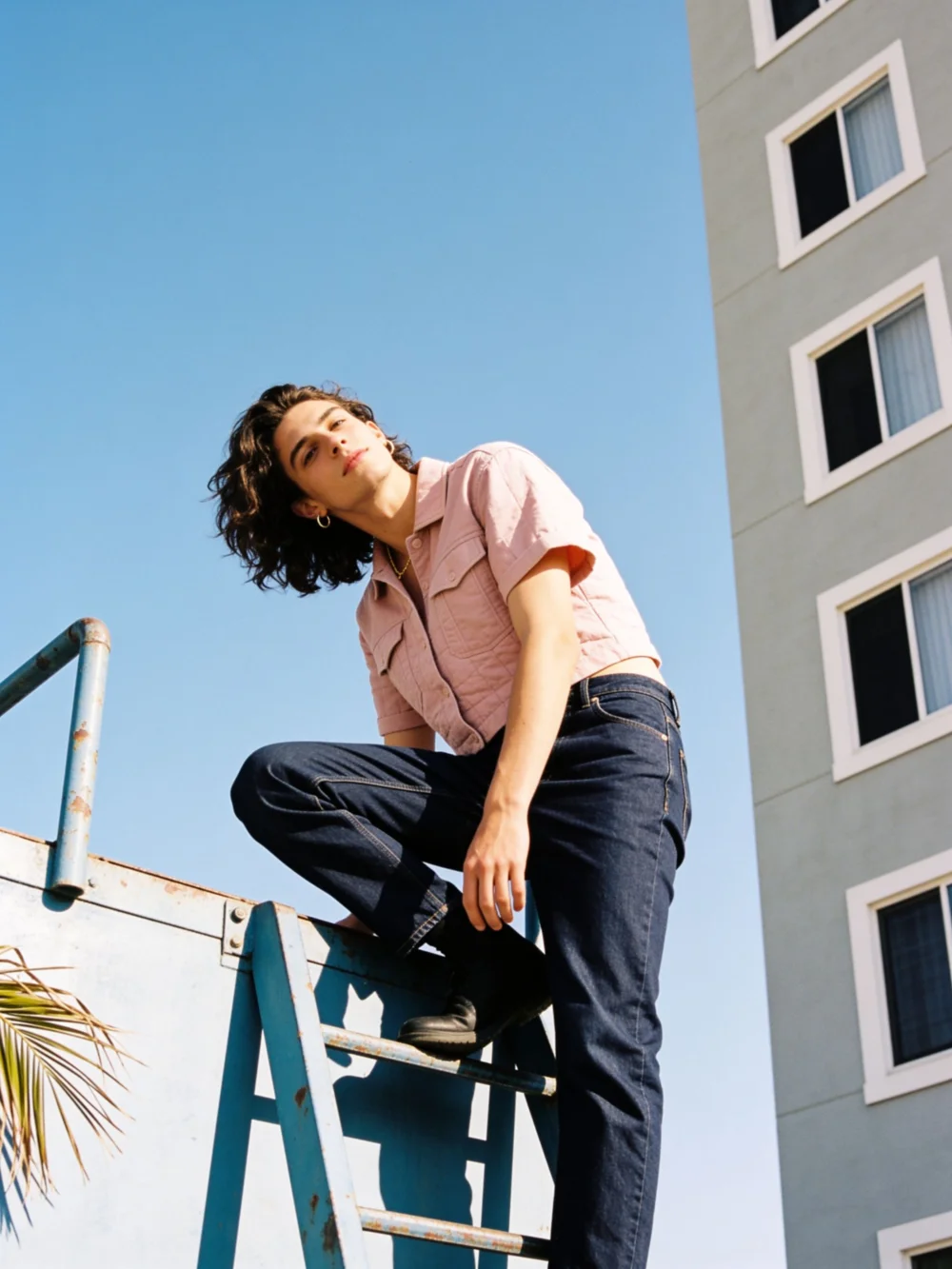
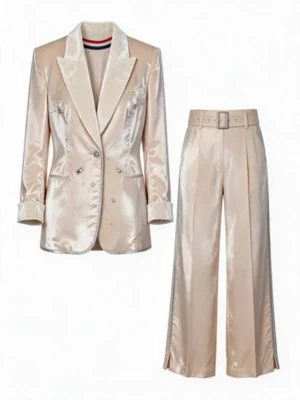
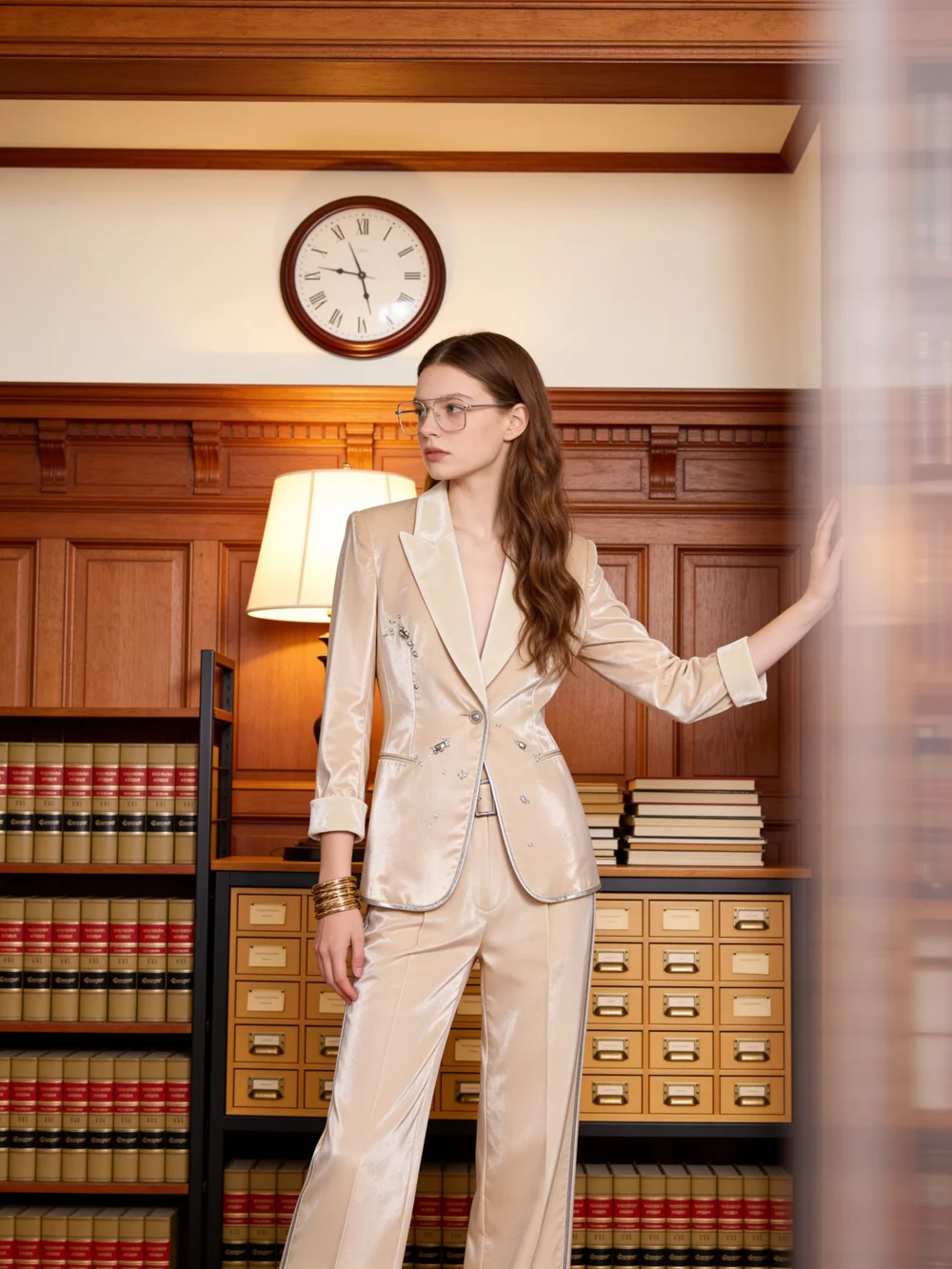
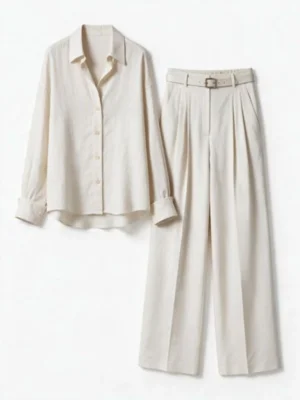
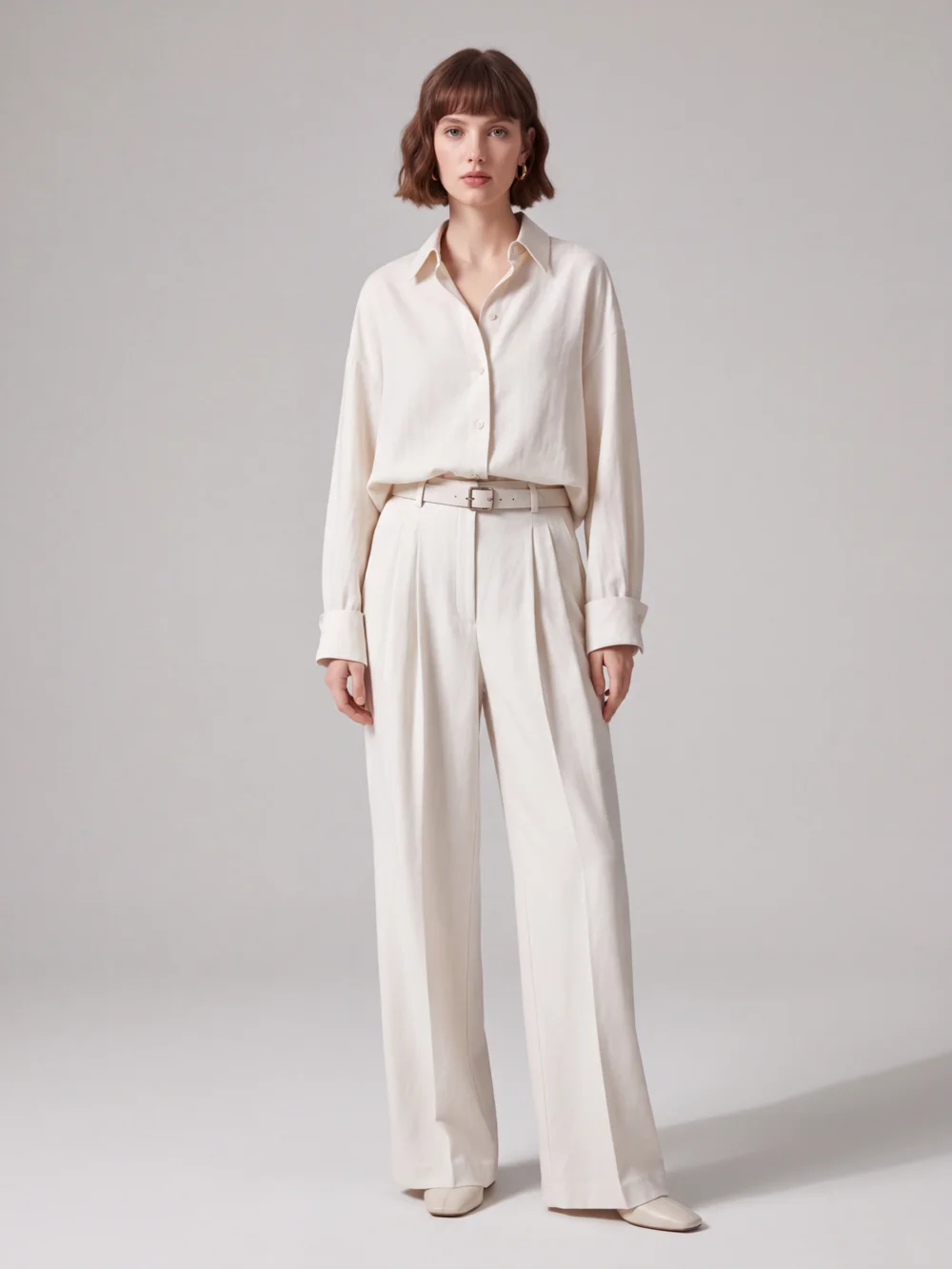
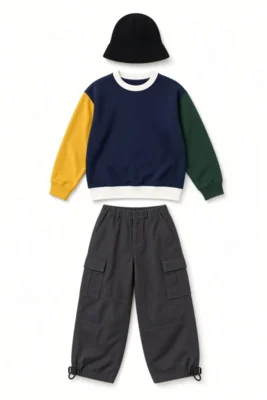
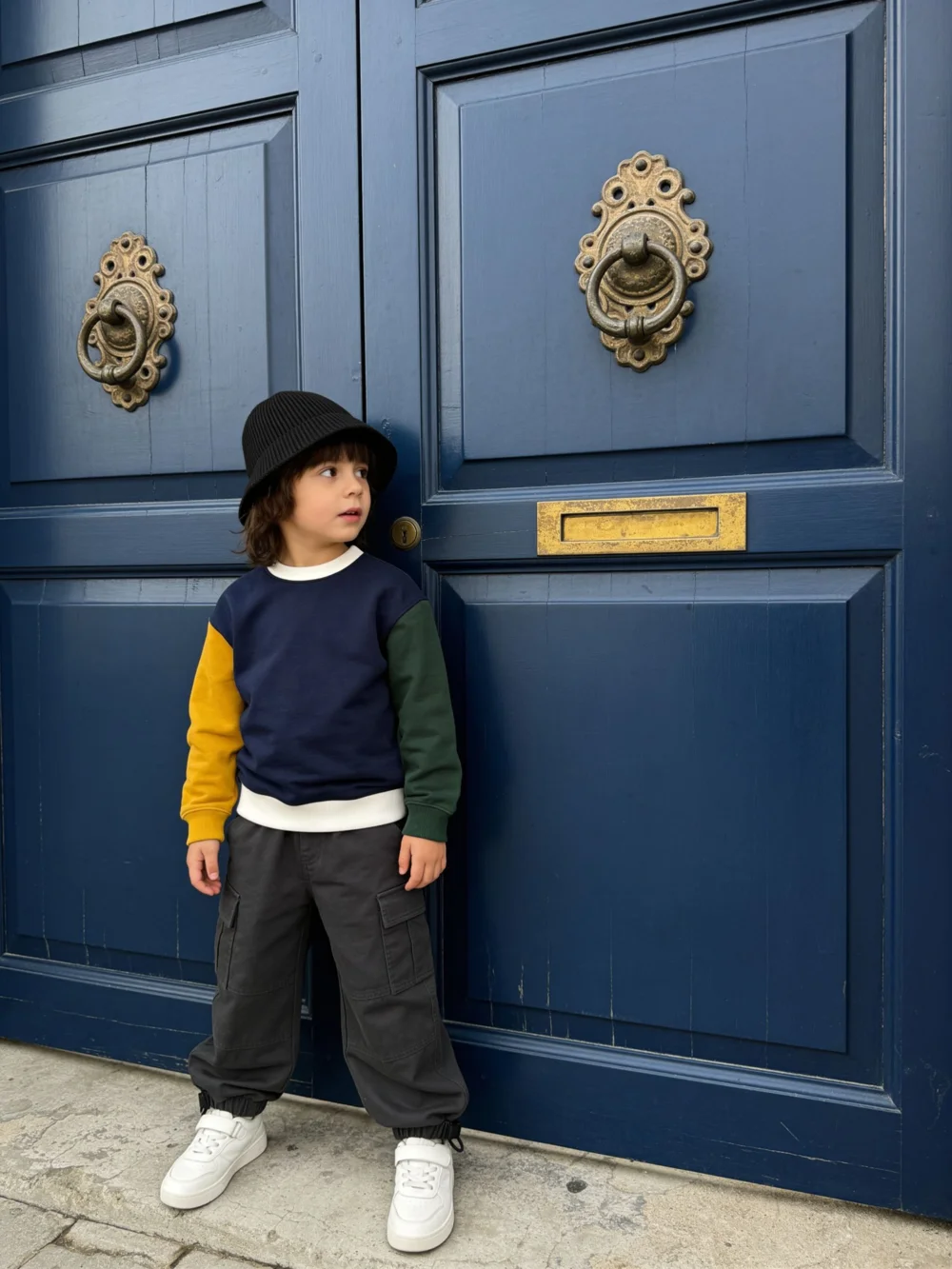
The small photo is the garment you upload; the large one is generated by AIFashModel — all real outputs.
Generate AI Model Photos in 3 Steps
Upload a clothing photo
Flat lays, mannequin shots or existing on-model photos all work — clear, complete photos give the best results.
Pick a model or template
Choose from a range of AI models and style templates, or upload your own model for a consistent brand look.
Generate & download
Get a full set of on-model photos in minutes, with multi-angle variations and one-click outfit swaps.
Real AI Model Photo Examples
Every photo below was generated by AIFashModel — from garment photos to store-ready on-model shots.
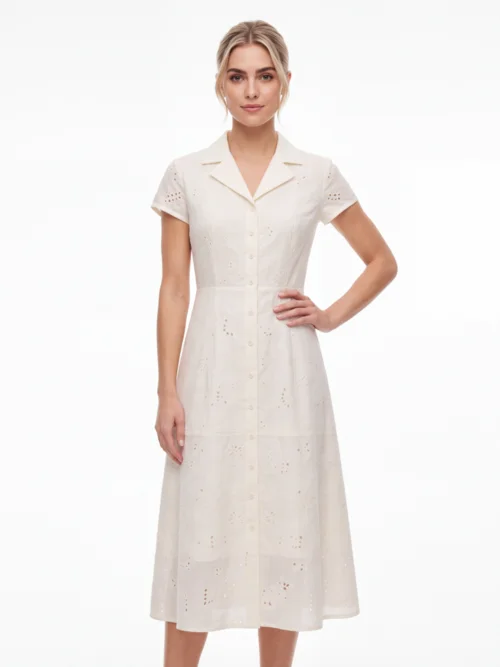
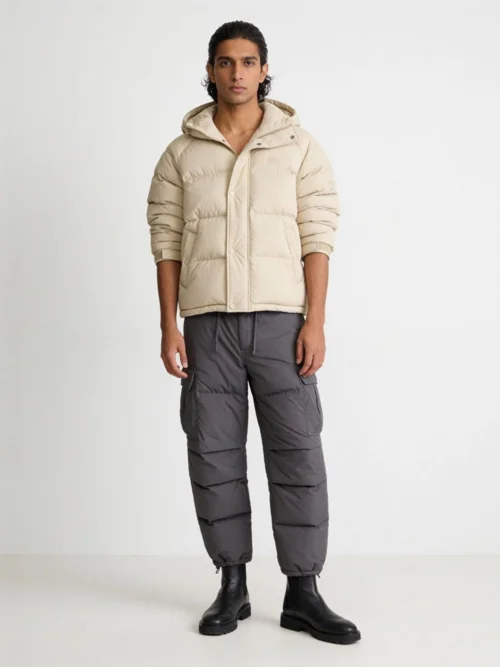
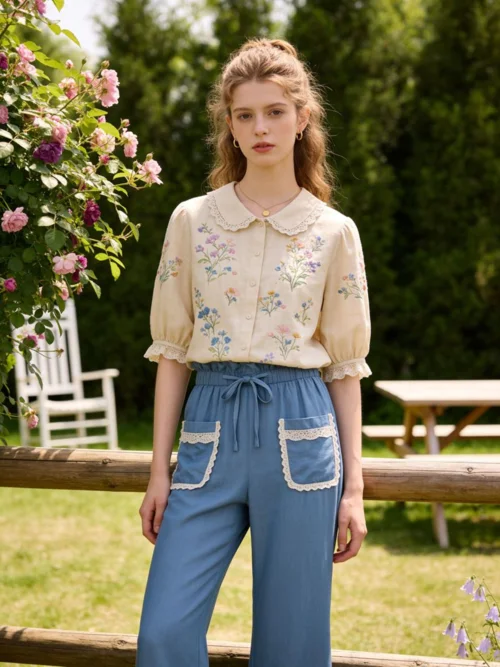
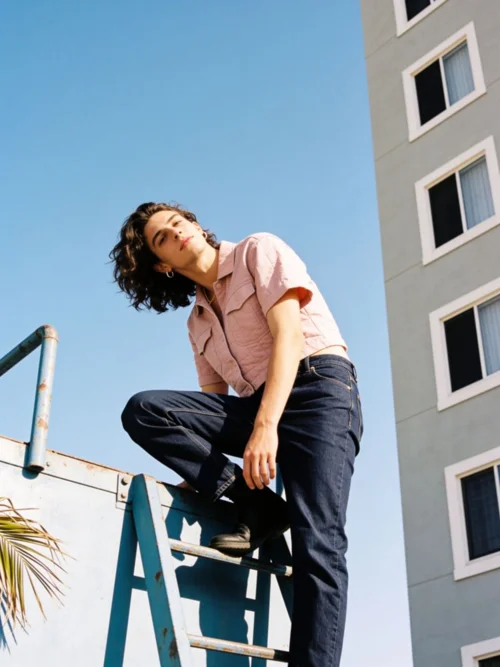
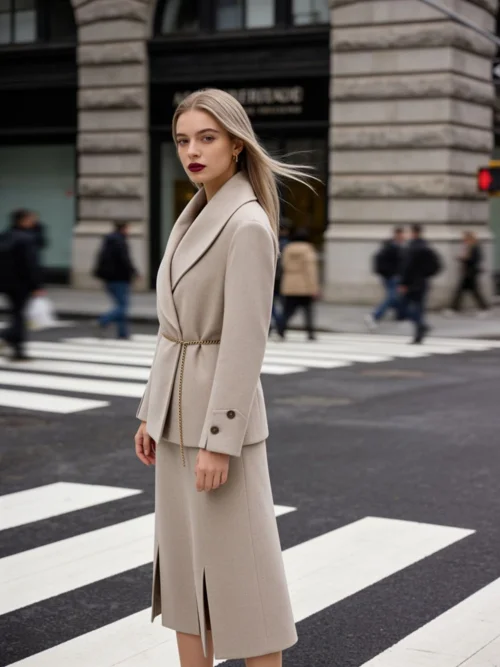
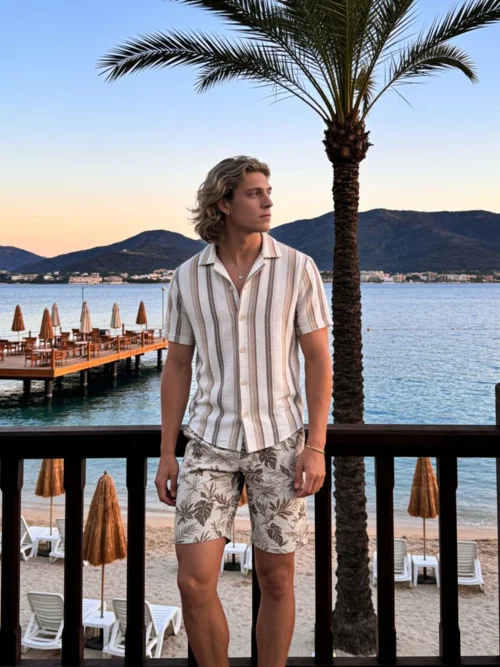
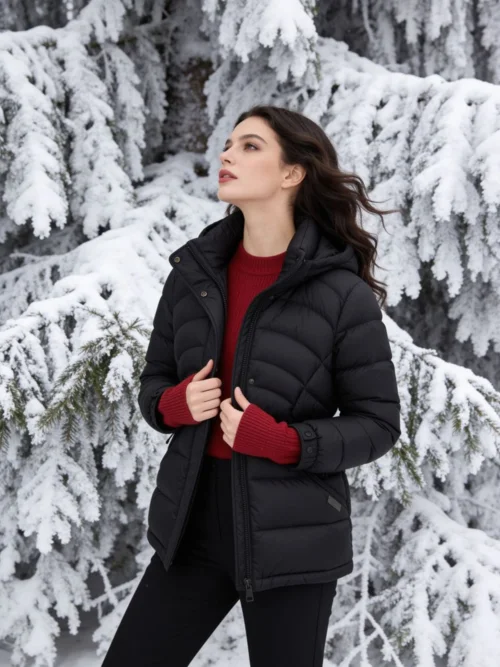
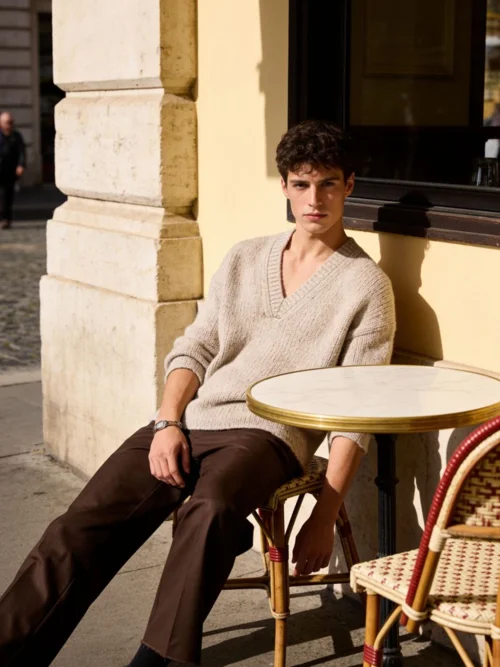
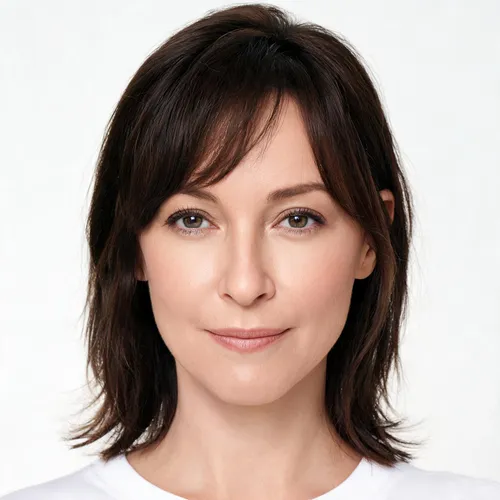
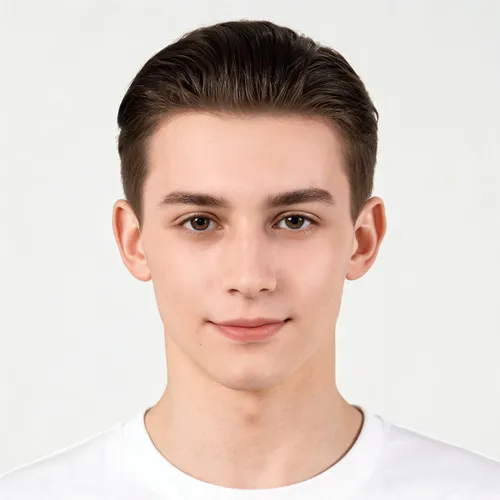
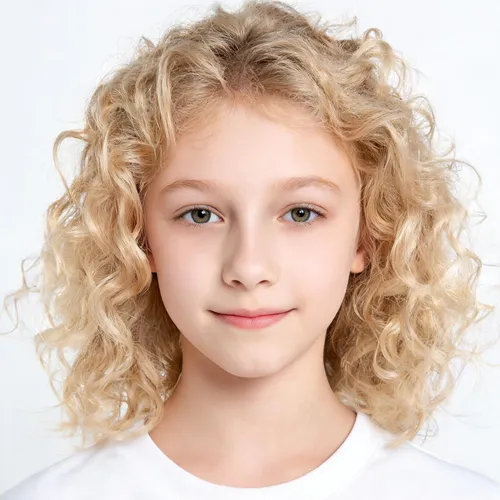
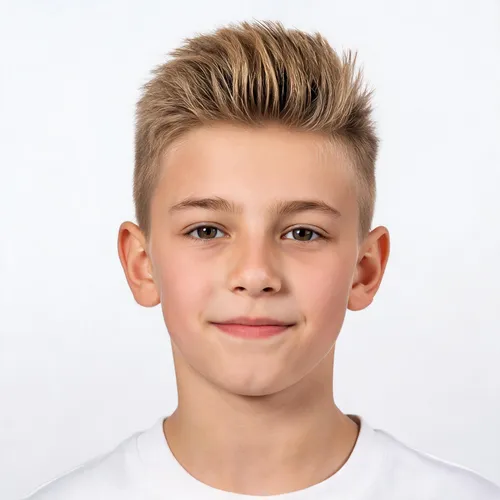
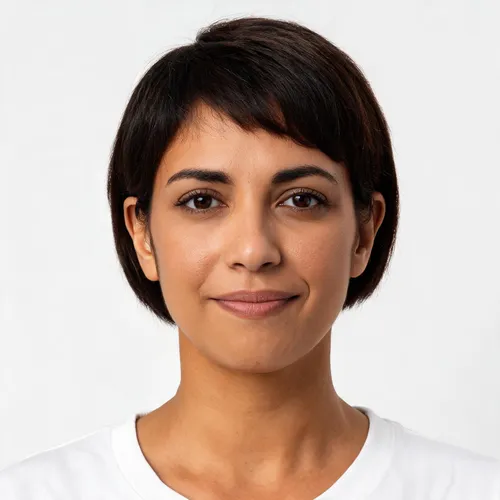
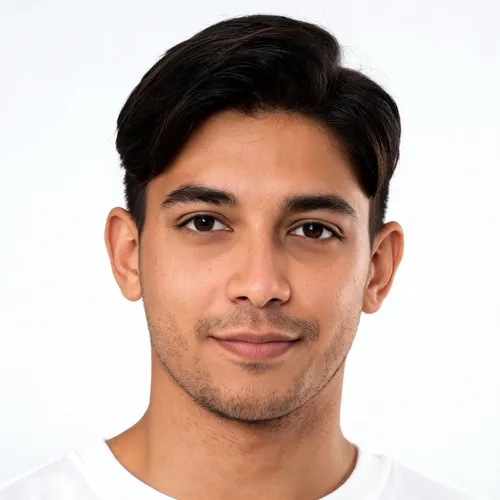
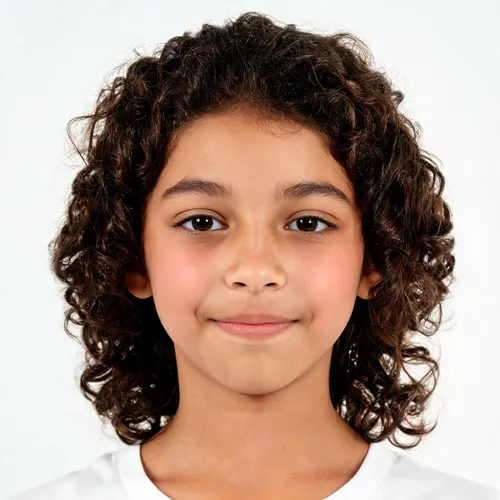
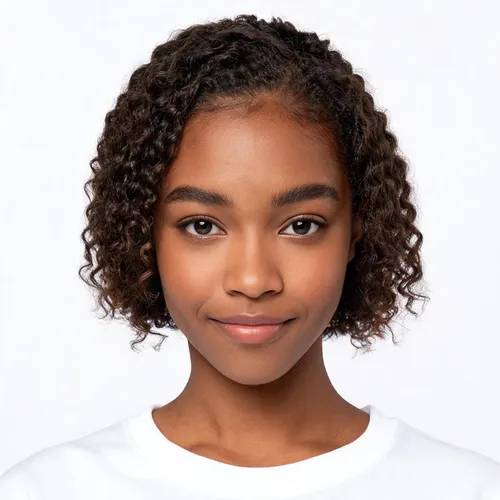
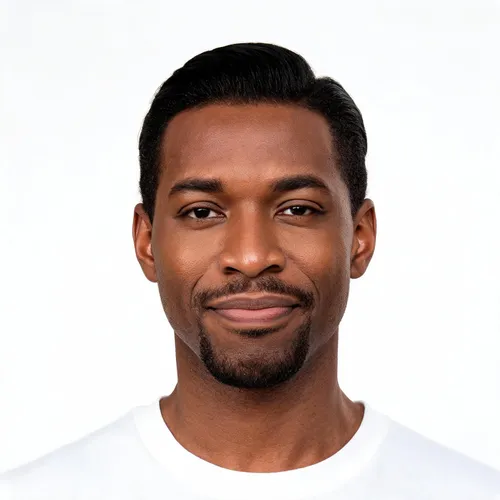
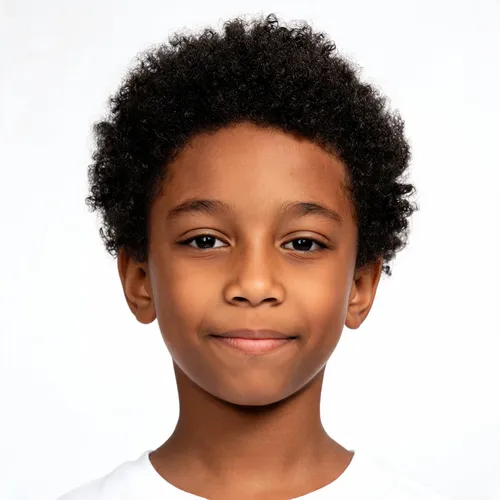
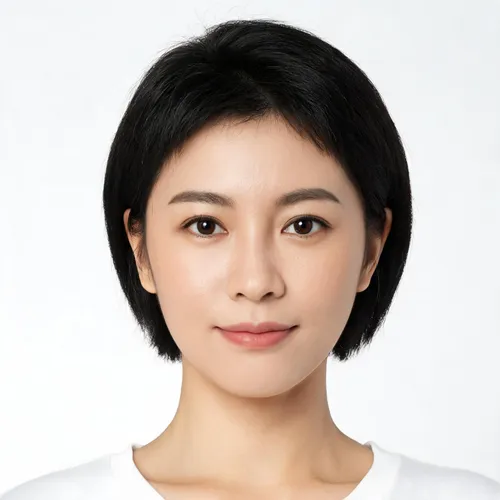
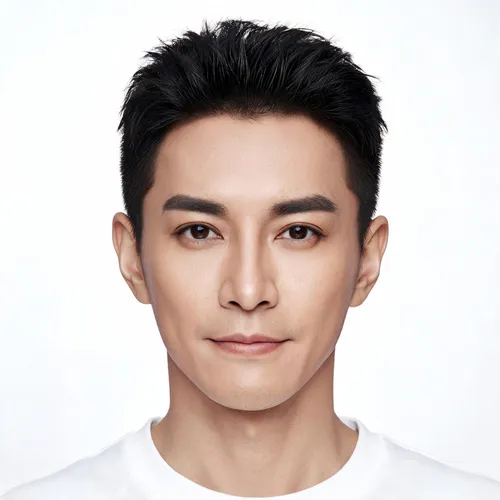
Choose Your AI Model
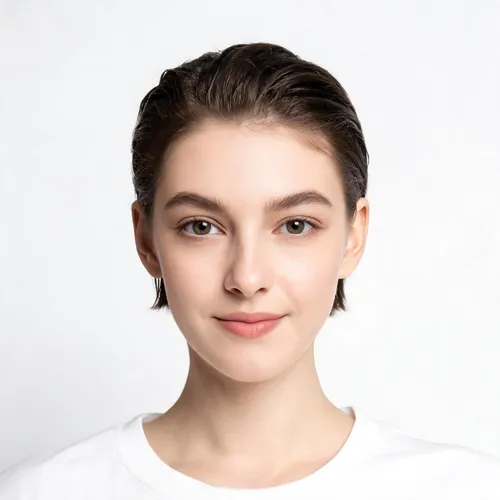
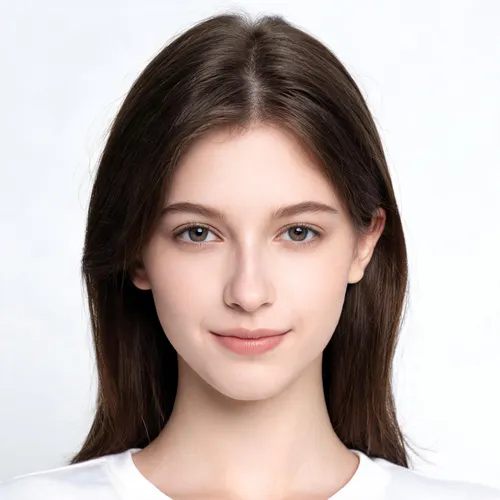
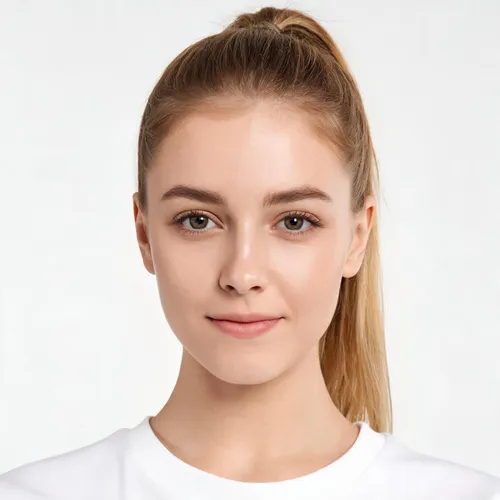
A range of looks and styles to pick from, or upload your own custom model to keep your brand look consistent.

AI Fashion Model FAQ
Is the AI fashion model generator free to try?
Yes. New AIFashModel accounts get free credits to try every feature — pay only when you're ready to generate at scale.
Can I use AI model photos commercially?
Yes. You retain usage rights to the images you generate with AIFashModel and can use them for your own brand's listings and marketing.
How realistic are AI fashion models?
AIFashModel produces studio-quality on-model photos with natural poses, lighting and fabric detail — see the examples on this page.
What kind of clothing photos work best?
Flat-lay or ghost-mannequin photos with even lighting and a clean background work best. Existing on-model photos also work for outfit swaps.
Explore More
AIFashModel goes beyond model photos: product shots, fabric close-ups, multi-angle variations and style-reference generation — all in one workspace.
Want to see how AIFashModel fits your brand?
Sign up to get free credits and try every feature. No card required — top up only when you're happy.