
Flat Lay Generator
AIFashModel's flat lay generator turns any garment photo into a clean white-background flat lay: no model, no hanger, just your product laid out flat and listing-ready — front and back views, in minutes, no studio and no photographer.
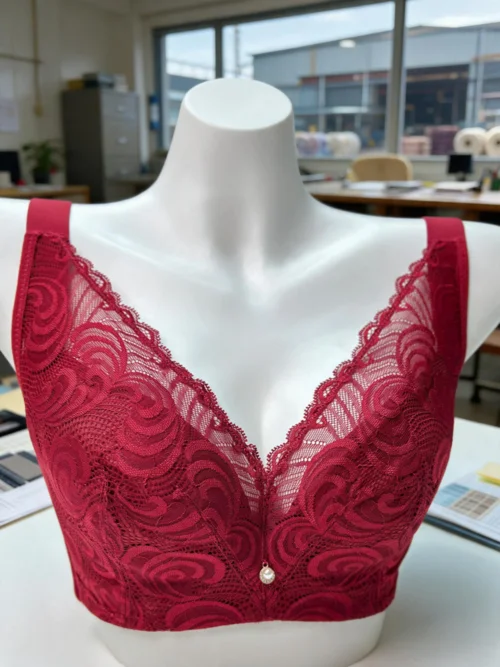
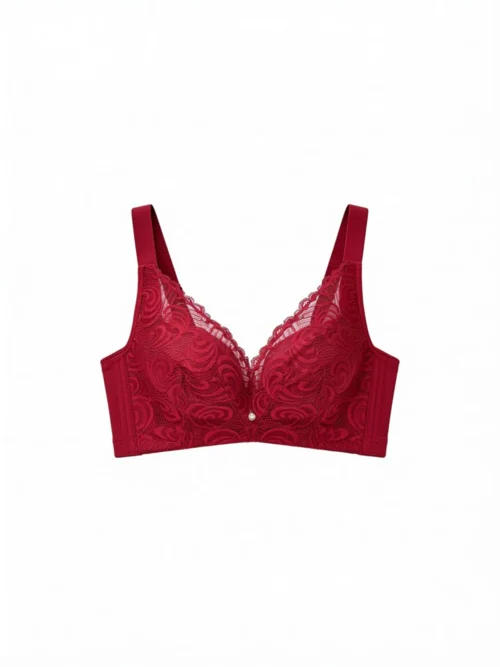

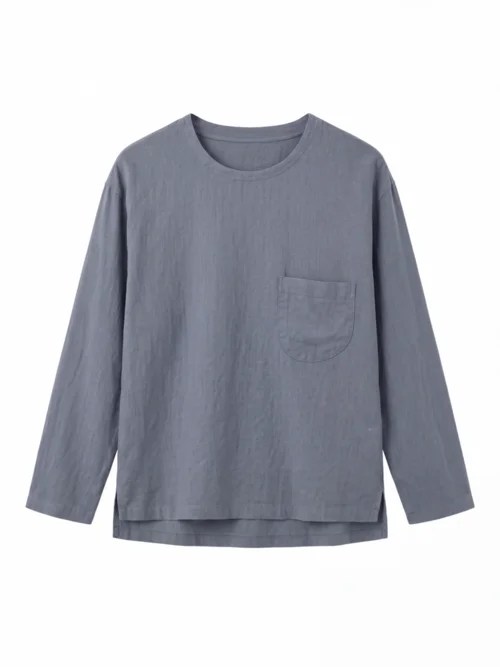
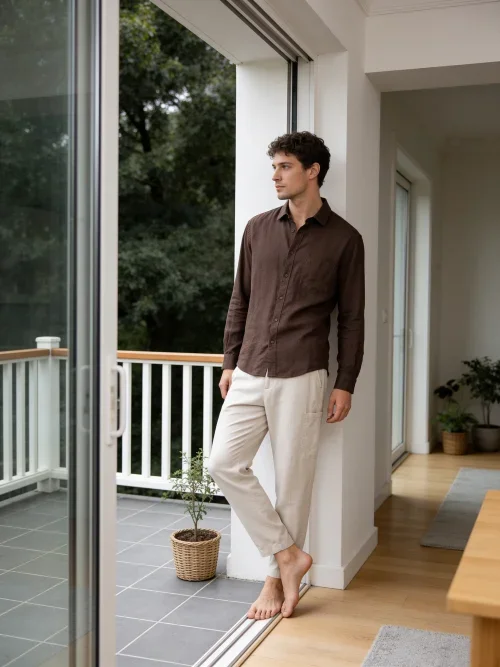
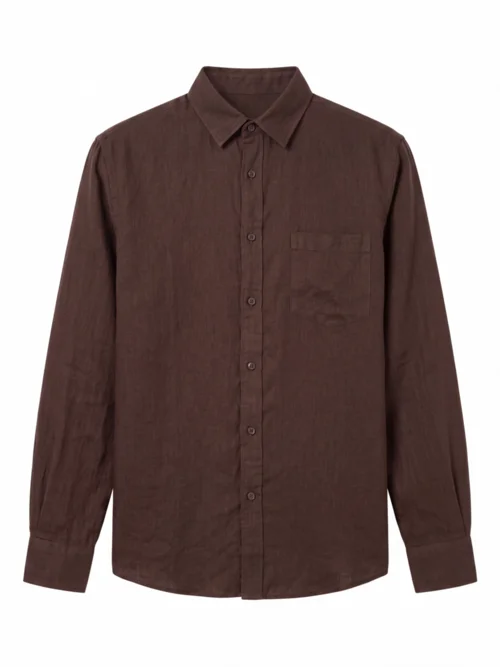
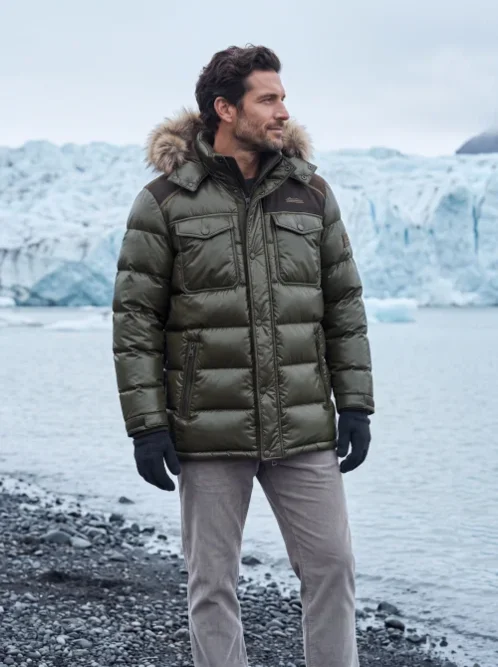
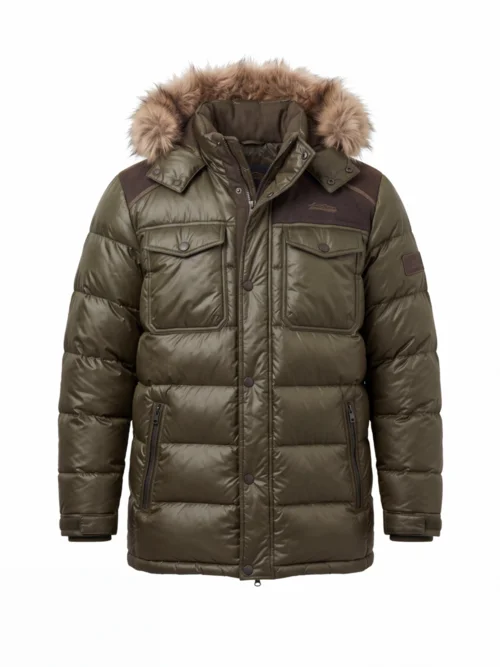
Left: the garment photo you upload; right: the clean white-background flat lay it becomes.
What is a flat lay generator?
A flat lay is a product photo shot from directly above, with the garment laid out flat against a plain background — the standard listing image for fashion e-commerce. A flat lay generator is an AI tool that produces this image for you: upload any photo of the garment you already have, and it comes back as a clean white-background flat lay, laid out neatly and lit evenly. Amazon and Shopify both expect this kind of image, which is why sellers keep a flat lay for every SKU.
Getting one the manual way means a photographer, a studio, and a sample of every garment shipped out and back — or hours in Photoshop cleaning up supplier shots. An AI flatlay maker skips all of it: hanger photos, on-model shots, and messy raw supplier images all become listing-ready white flat lays from the same upload, and a ghost mannequin shot for your primary image is a separate step AIFashModel also covers.
Whether you need white flat lays for your marketplace listings, hollow mannequin shots for your primary image, or on-model photos for your campaigns, it all starts from one garment photo — every image your product page needs, all from the same AI fashion model generator.
Generate Clean Flat Lays in 3 Steps
Upload any garment photo
A hanger shot, an on-model photo, a raw supplier image, or an untidy flat lay you'd like redone — anything that shows the garment clearly works.
Pick a product shot template
Hit the button above to jump straight to the product shot templates in the workspace (the right group pre-selected) — pick one and generate.
Export & list
Download clean white-background flat lays — front and back views — and batch export them straight into your Amazon or Shopify listings.
Flat Lay Generator FAQ
What is a flat lay generator?
It's an AI tool that turns any garment photo into a clean white-background flat lay — the overhead listing image marketplaces expect. You upload a hanger shot, on-model photo, or messy supplier image, and get your product laid out flat on white, ready to list.
What kind of photos can I start from?
Almost anything that shows the garment clearly: hanger photos, on-model shots, raw supplier images, or an untidy flat lay you want redone. No studio setup, no photographer, and no sample shipping needed.
Are the flat lays really on a white background?
Yes. The output is a clean white background with the garment laid out flat and evenly lit — no model, no hanger, no props, no clutter. It's the format Amazon and Shopify listings call for, so images go straight from download to listing.
Can I get front and back views?
Yes. Generate the front view, then run it again for the back — shoppers expect both on a product page, and together they answer most fit and design questions without a reshoot.
Can I batch export flat lays for a whole catalog?
Yes. Generate each SKU's flat lays and export them one after another — no shoot scheduling, so an entire season's white-background images can be ready in a single afternoon.
Is the flat lay generator free to try?
Yes. New AIFashModel accounts get free credits to try every feature — pay only when you generate at scale.
Explore More
AIFashModel covers every apparel image you need beyond flat lays: on-model photos, ghost mannequin shots, fabric close-ups, image variations, and style-reference generation — all in one workspace.
Want to see how AIFashModel fits your brand?
Sign up to get free credits and try every feature. No card required — top up only when you're happy.