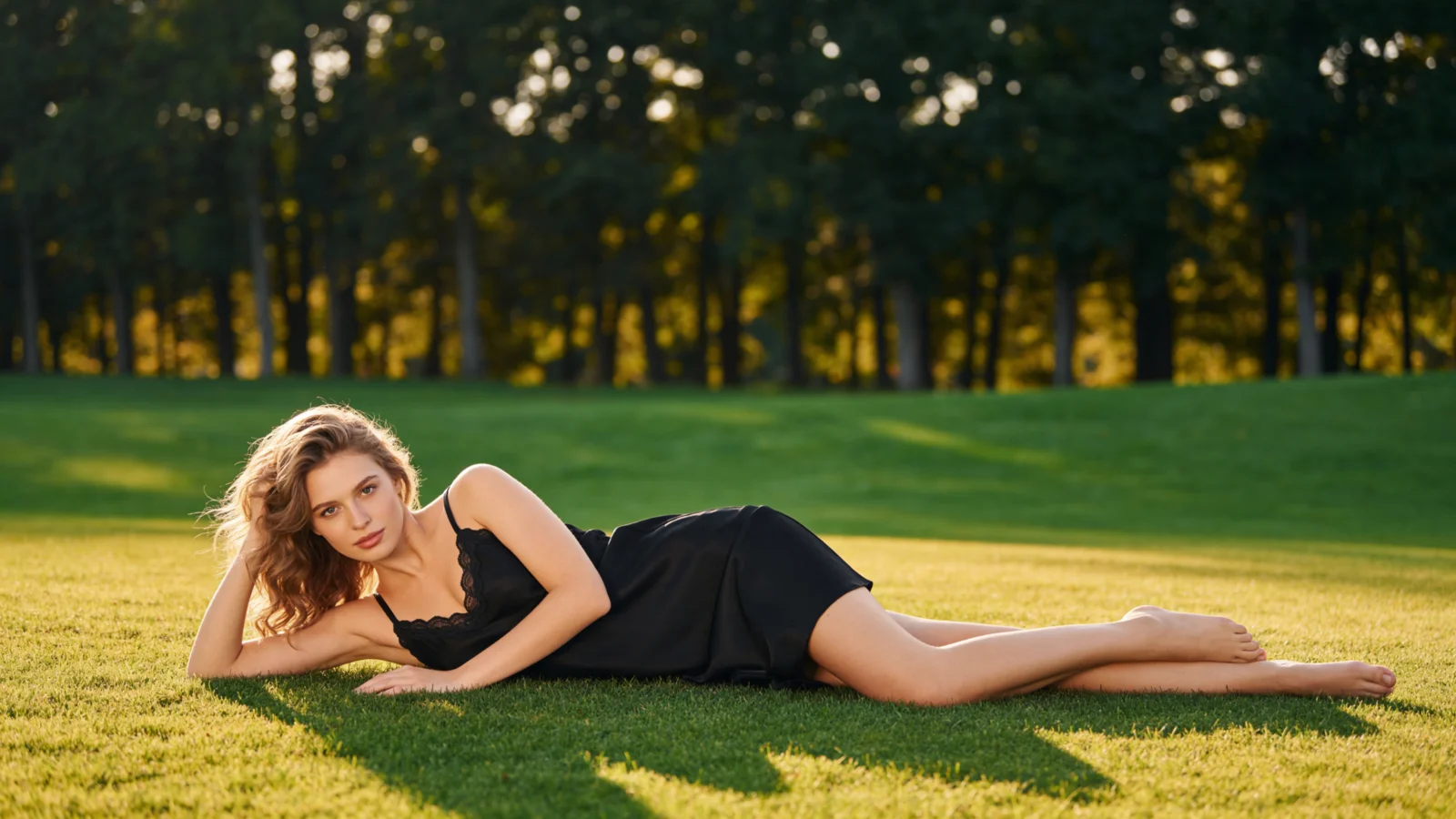
AI Ghost Mannequin Effect Generator
AIFashModel turns flat lays and hanger shots into ghost mannequin images — the invisible-mannequin effect that shows a garment's 3D shape and drape without a model, a studio, or Photoshop.
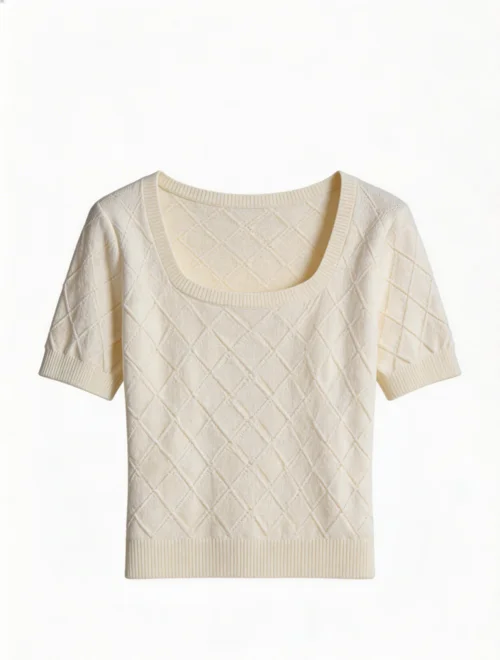
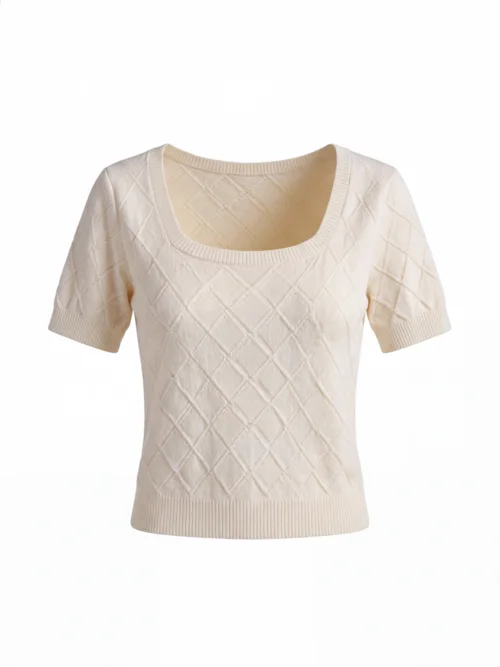
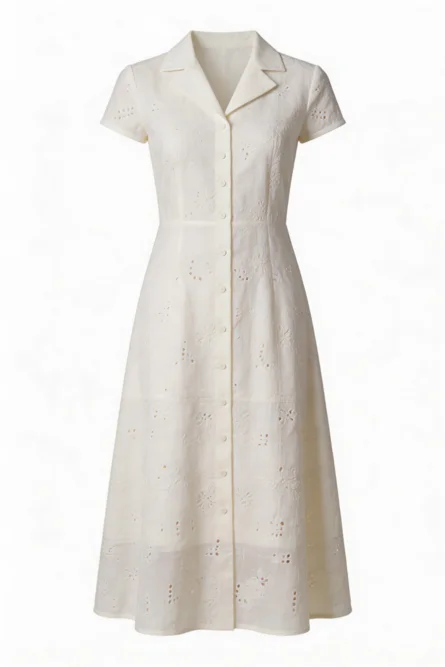
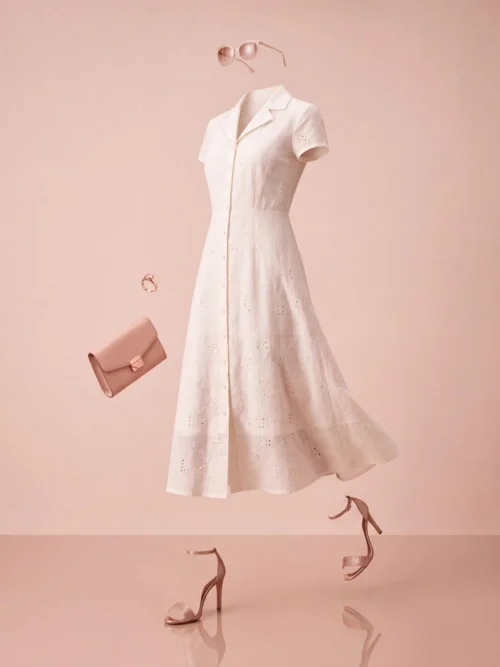
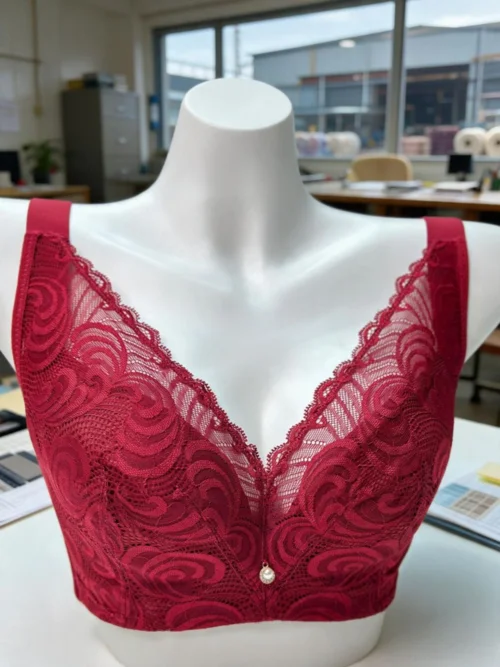
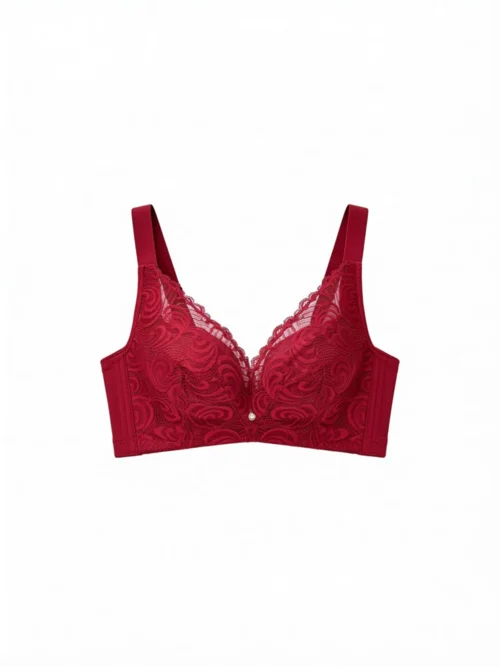
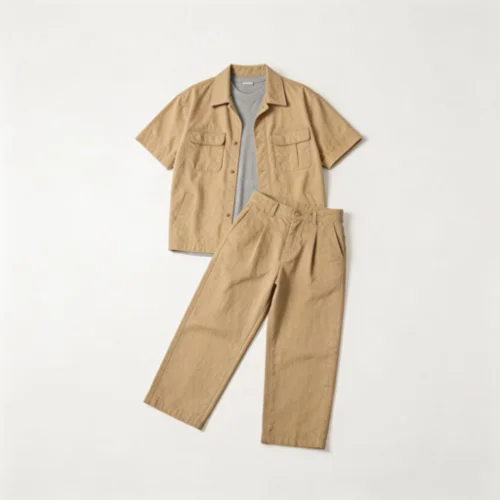
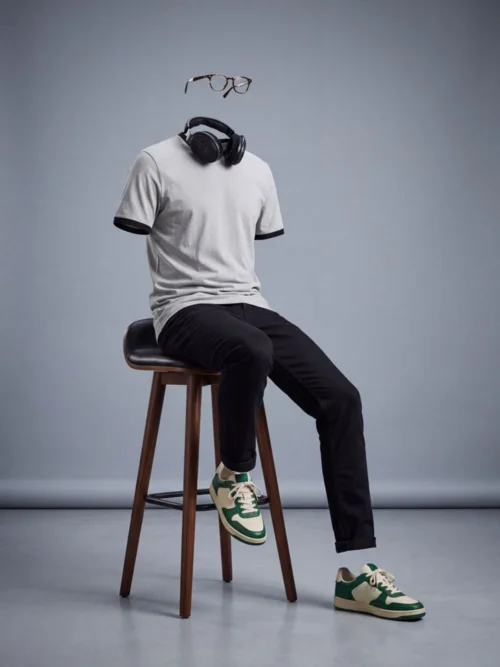
The small frame is the garment photo our users uploaded; the large one is the generated ghost mannequin result.
Real Ghost Mannequin Examples
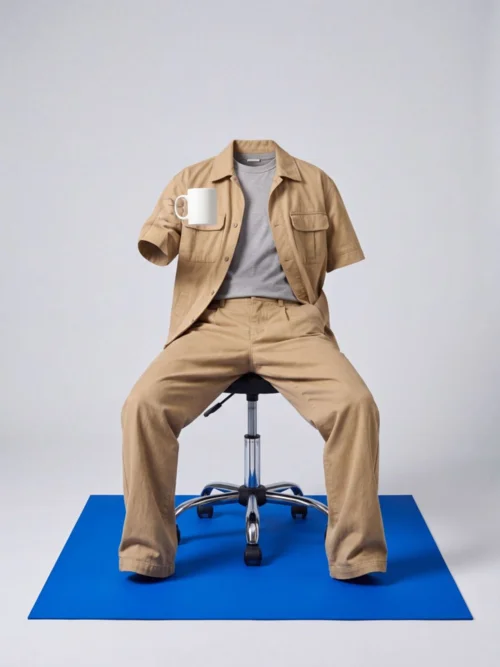
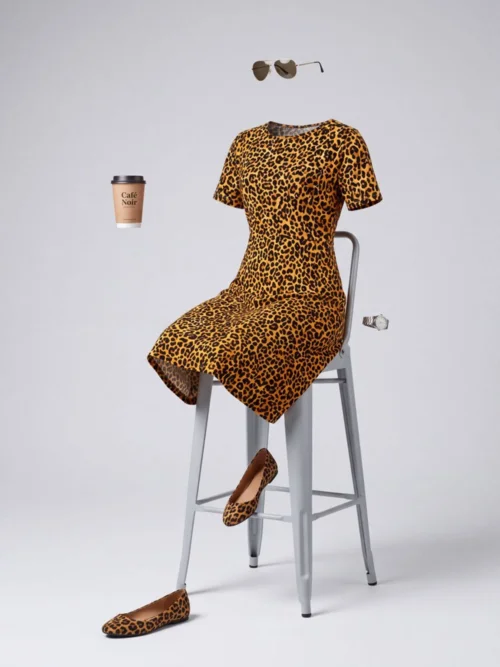
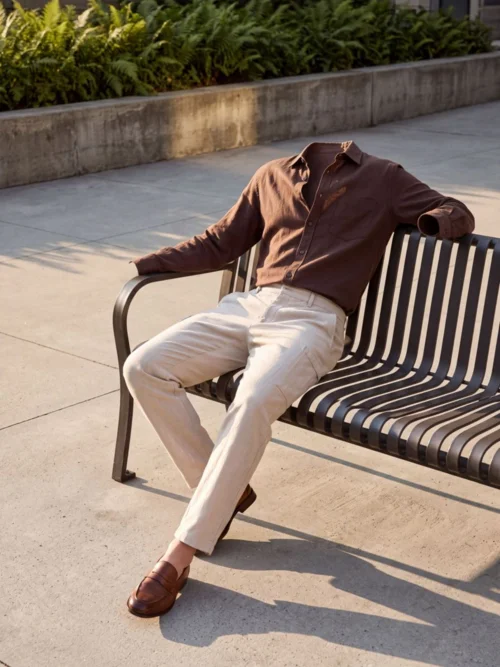
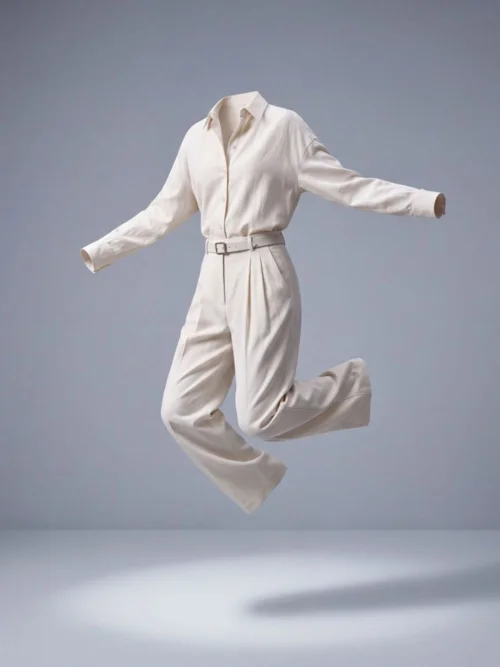
Every image below was generated by AIFashModel from a single garment photo — browse them for posing, lighting, and styling ideas, then recreate the look with your own products.
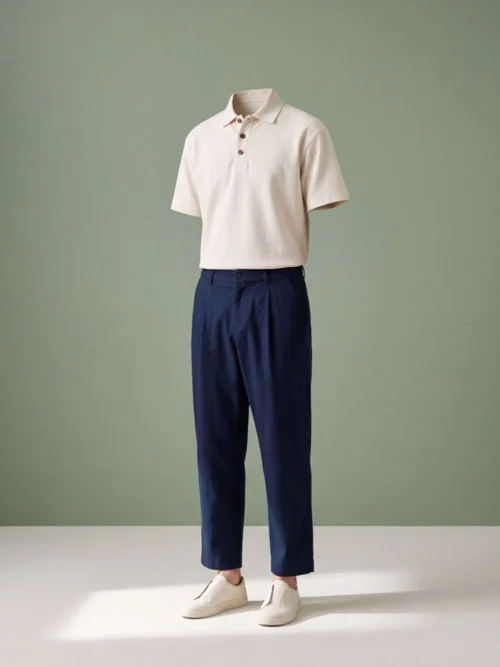
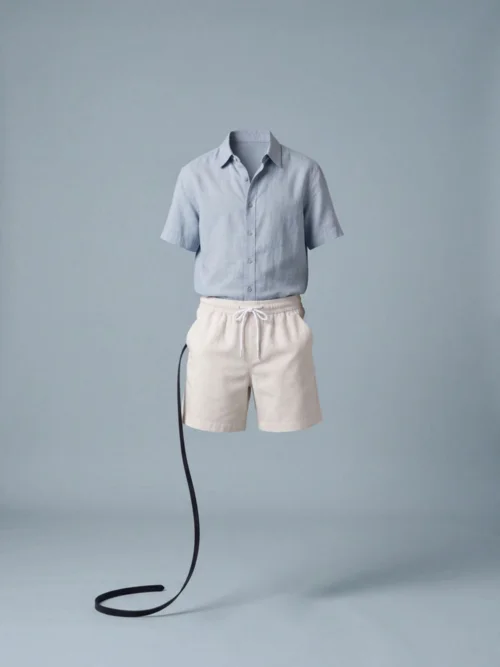
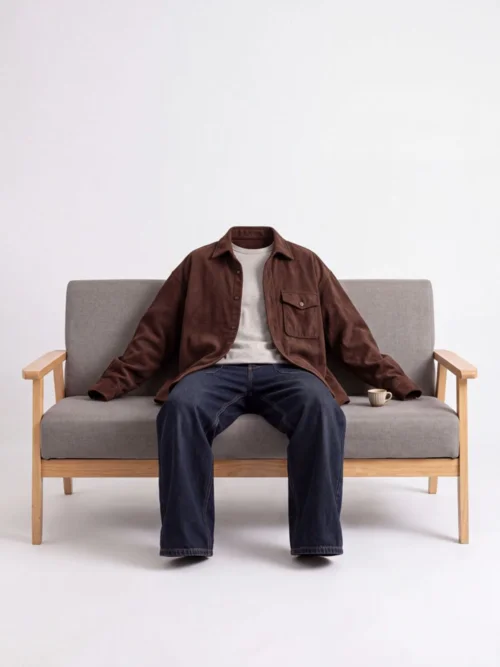
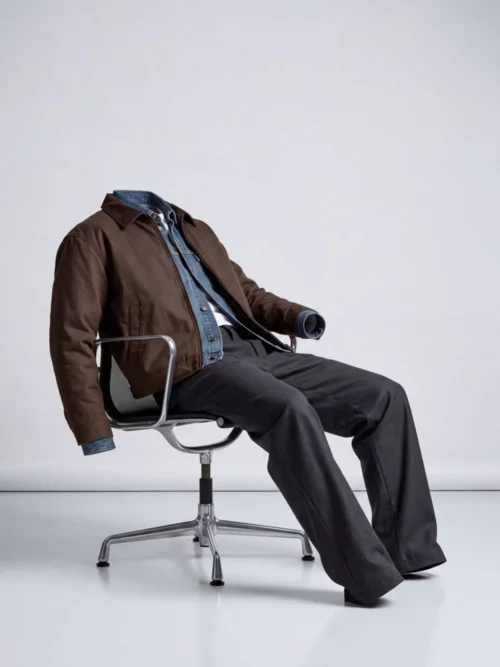
What is a ghost mannequin image?
A ghost mannequin image (also called an invisible mannequin or hollow-man photo) shows a garment worn by an unseen form: you see the shoulders, waist, and fabric drape of a fitted piece, with no model, mannequin, or hanger drawing the eye. Shoppers judge fit and quality; the clothing stays the hero.
The classic way to get one is to photograph the garment on a dress form, then cut the form out in post — slow, skilled neck-joint retouching that's usually outsourced. AIFashModel generates the same hollow-man result from a single flat-lay or hanger photo, in minutes.
When you do want a human face, the same garment photo also generates on-model photos — ghost mannequin images for listing basics, on-model shots for campaign hero images — all from the same AI fashion model generator.
Create Ghost Mannequin Images in 3 Steps
Upload a clothing photo
Flat lays and hanger shots both work — a complete garment on a clean background gives the best results.
Pick a Product Shots template
Hit the button above to jump straight to the Product Shots templates in the workspace — pick one to apply the invisible-mannequin effect.
Generate & download
Get catalog-ready ghost mannequin images in minutes; the same garment photo also produces on-model photos and fabric close-ups.
Ghost Mannequin FAQ
What is a ghost mannequin image?
It's a product photo where the garment appears worn by an invisible mannequin — showing shape, fit, and drape without a visible model or dress form. It's a standard image type for apparel listings.
Is the AI ghost mannequin effect free to try?
Yes. New AIFashModel accounts get free credits to try every feature — pay only when you generate at scale.
Can I use ghost mannequin images commercially?
Yes. You retain usage rights to the images you generate and can use them for your own brand's listings and marketing.
What kind of clothing photos work best?
Flat-lay or hanger photos with even lighting and a clean background work best — no dress form or reshoot needed.
Ghost mannequin vs. flat lay — which should I use?
Ghost mannequin images make stronger primary listing images — the 3D shape reads as higher quality and shows fit. Keep flat lays for fabric texture and styling details; most brands use both across a product page.
How long does it take?
Most single images are ready in a few minutes. No queue, no booking — generation starts the moment you click.
Explore More
AIFashModel covers every product shot you need beyond ghost mannequin images: on-model photos, fabric close-ups, multi-angle variations and style-reference generation — all in one workspace.
Want to see how AIFashModel fits your brand?
Sign up to get free credits and try every feature. No card required — top up only when you're happy.